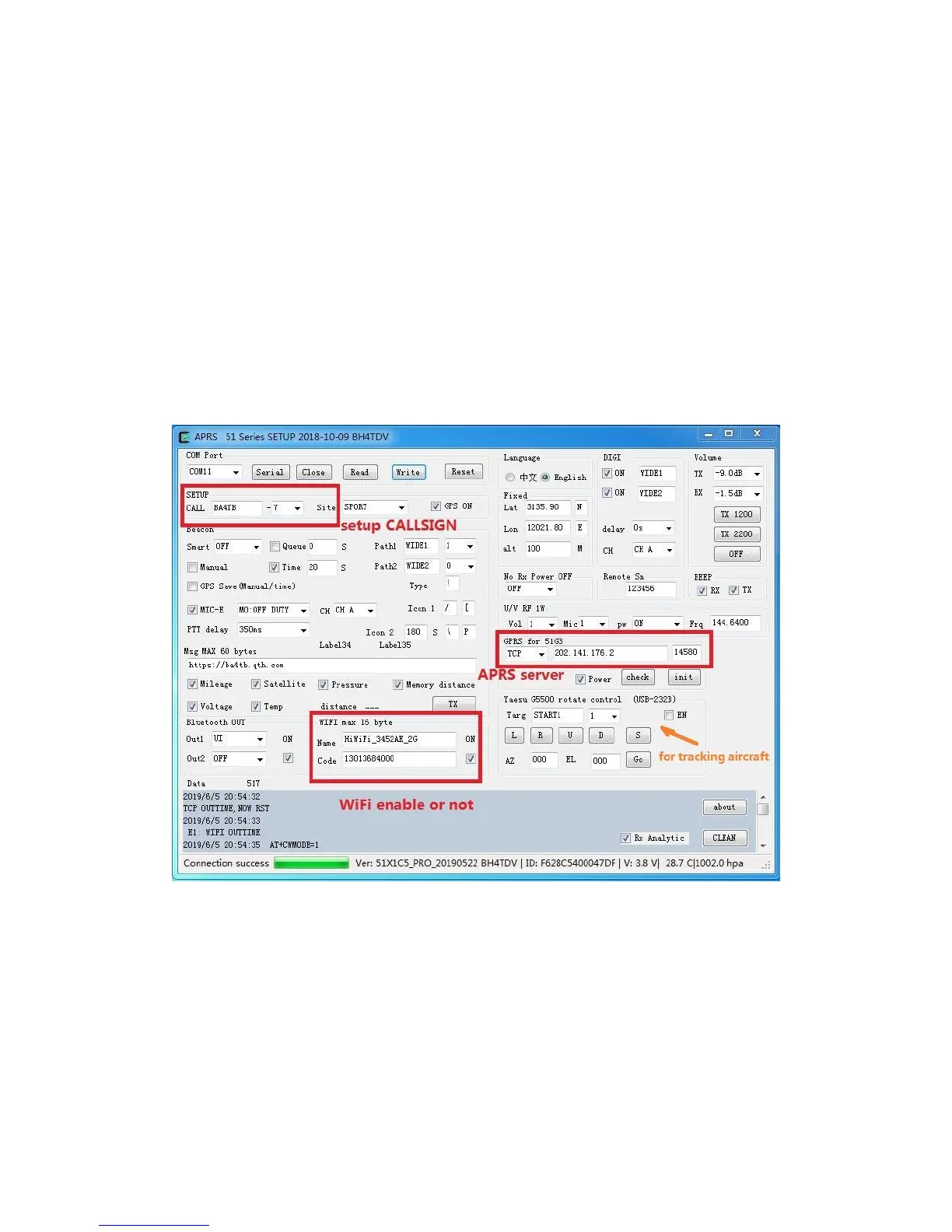
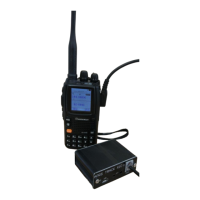
Software settings:
1, Power on the tracker.
2, Connect the USB cable between tracker and computer.
3, Install USB driver – CH341 chip and find the correct COM port.
4, Use APRS 51Series Setup(version number).exe to program the tracker.
Wuxi Venus Information Technology Co., Ltd



 To Next Page