990-03558-00 Rev B
DCO-00245
1. Place the device on your wrist next to your wrist bone (if it's on your wrist bone, you won't get accurate
readings).
2. Keep the lighted sensor on the back of the device in close contact with your skin.
3. Secure the band that comes with the device around your wrist for a snug fit.
Tips for wearing the device:
The band shouldn't be so tight that it's uncomfortable, but it does need to have good contact with your skin with
little movement for the sensors to work well.
If the device is making your skin irritated, take the device off and contact us.
Keep the device clean and dry.
Let your skin breath by not wearing the device for more than 23 hours a day.
Navigate the Study Watch features
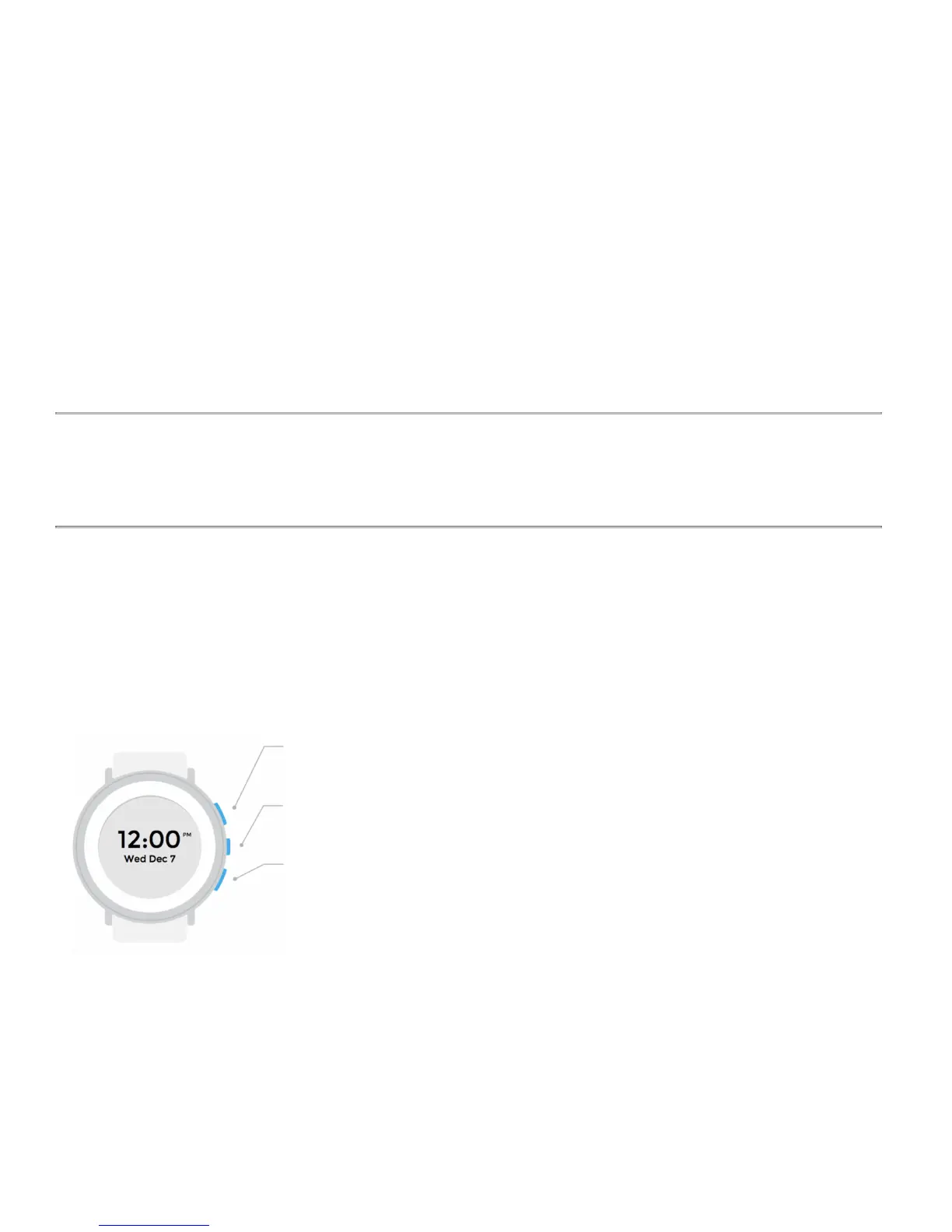
The buttons on the right side of the device help you navigate through the device interface. The buttons differ depending on
which version you're using:
Devices with firmware below version 49.000
The top button scrolls the screen forward or up.
The middle button selects an option on the screen.
The bottom button activates the display light (from the clock screen). It is also used for
navigational actions, when prompted on-screen.
On your device, you'll see different screens for showing you and gathering information, including:
● Time and date
● Electrocardiogram
● Mark Event


 To Next Page
 Loading...