990-03558-00 Rev B
DCO-00245
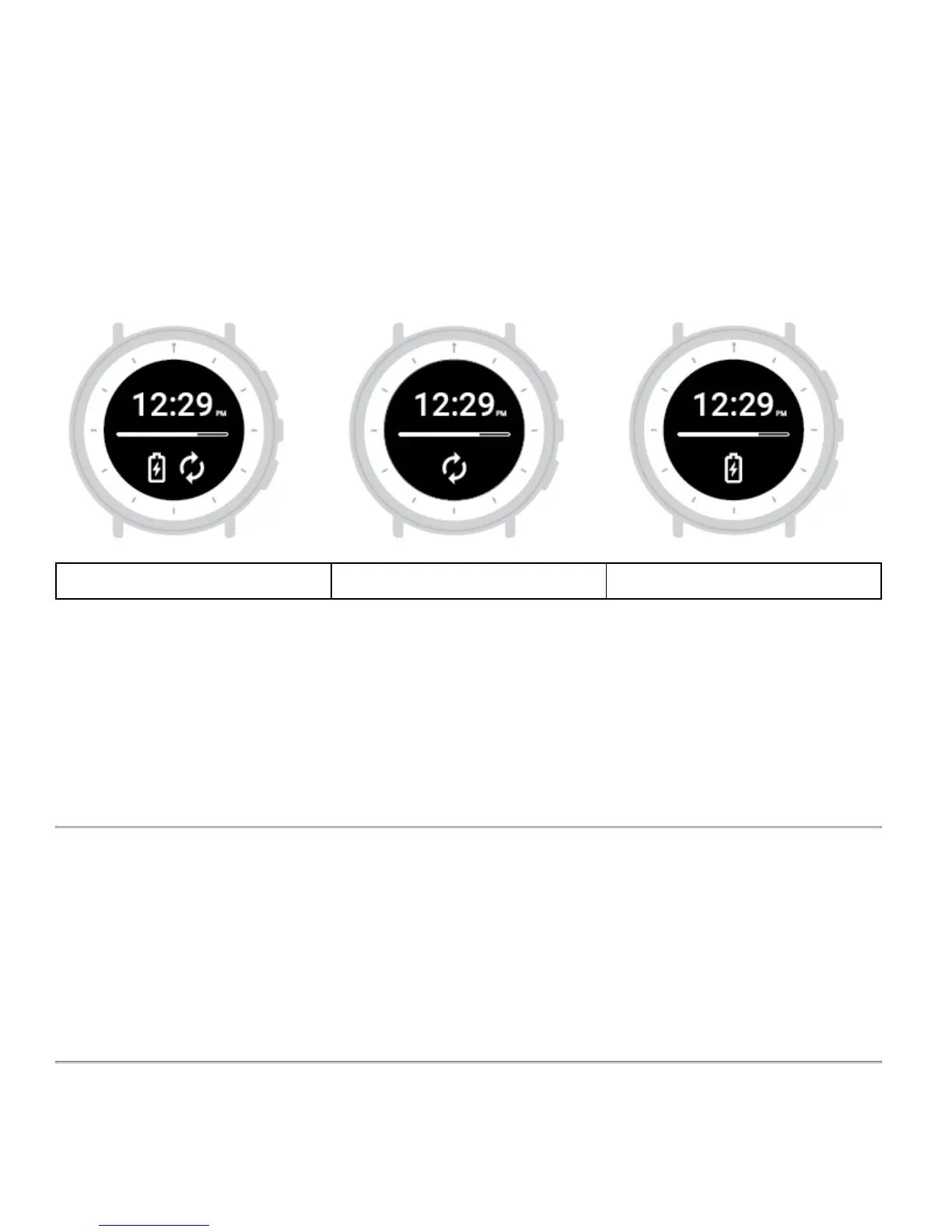
On screen signals
When plugged into the Study Hub, the Study Watch will display symbols and a progress bar.
When charging and syncing are complete, the screen will show a check mark.
Keep your device clean
Your Study Watch works best when it's clean. Clean the watch face with 70% alcohol and wipe the band clean using
soap and water or a non-abrasive, lint-free cloth. The watch face and band should also be cleaned after exercise/
sweating. Avoid cleaning the sensors (the shining LED lights).



 To Next Page