Installing the replacement power supply
Use the following procedure to install the replacement power supply.
To install the replacement power supply
1 Remove the replacement power supply from any wrapping.
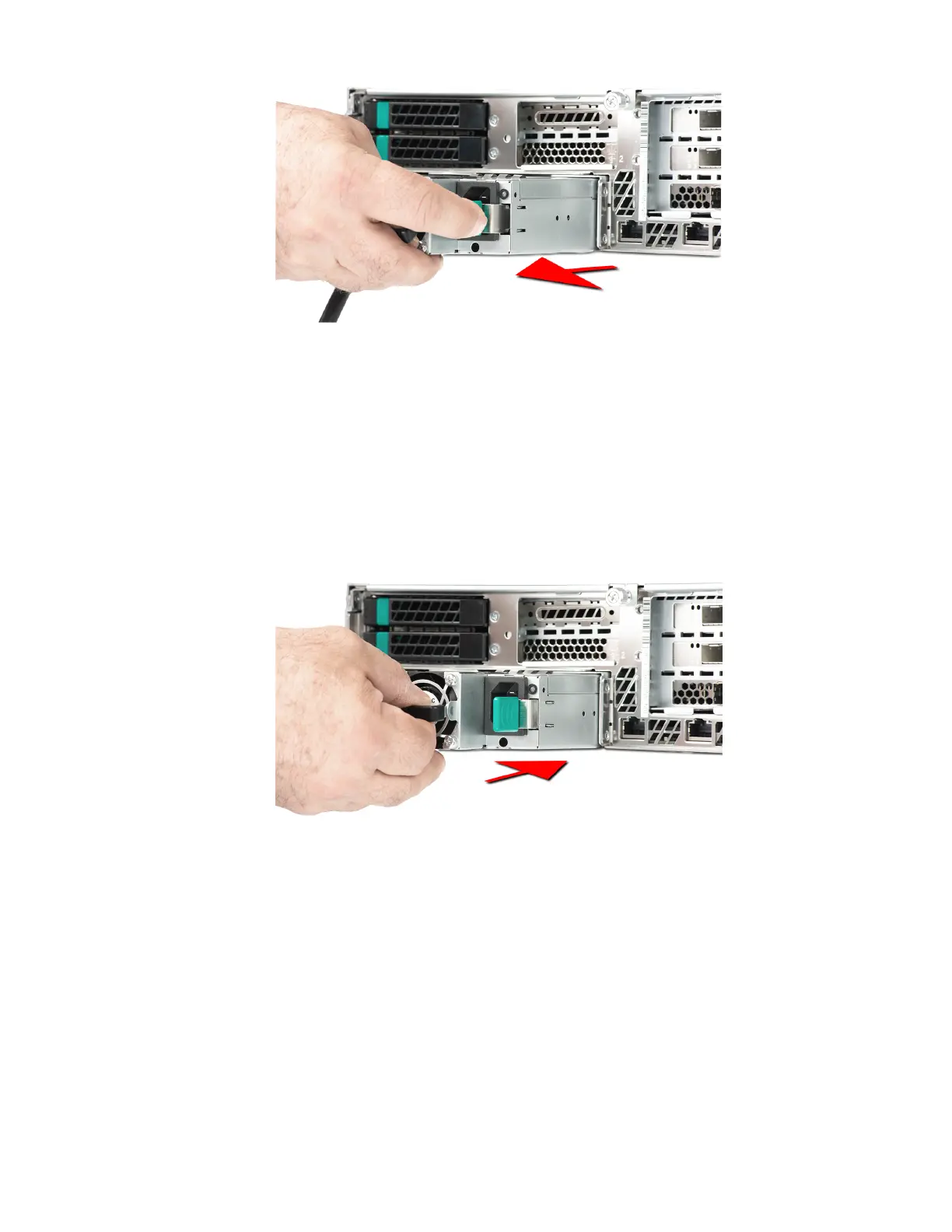
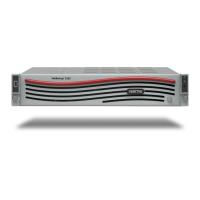
2 Insert the power supply into a power supply slot.
3 Slide the replacement power supply completely into the slot. The power supply release lever
clicks into place when the power supply is properly installed.
4 Plug the power cable into the power supply. The LED should come on and turn green.
5
HSP 177: Power Supply Replacement


 To Previous Page