pg
8
THE BASICS
Highlighting text
: You can use the stylus to highlight text on the screen.
•
Tap and drag the stylus across the text you want to highlight.
•
To highlight a word, double-tap it.
•
To highlight a paragraph, triple-tap it.
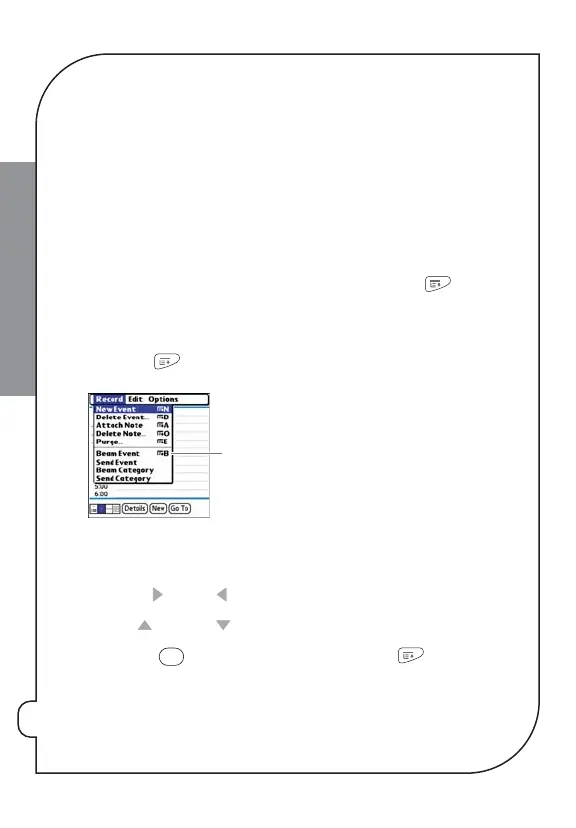
Selecting menu items
Many applications have menus to give you access to additional features. These menus
are usually hidden from view, but they appear when you press
Menu
. To get the
most out of your smartphone, it’s a good idea to familiarize yourself with the
additional features available through the various application menus.
1:
Press
Menu
to display an application’s menus.
*
Menu shortcut
2:
Press
Right
and
Left
to switch between menus.
3:
Press
Up
and
Down
to highlight a menu item.
4:
Press
Center
to select the menu item, or press
Menu
to close the
menu and cancel your selection.



 To Next Page