Verkada Inc. 405 E 4th Ave, San Mateo, CA, 94401
sales@verkada.com
All specications are subject to change without notice.
Copyright © Verkada Inc . All rights reserved.
Connect / Powering up device
Installation
Connect
Connect the AC62 to your network using either of the Ethernet ports located at the bottom of the controller.
If you are installing multiple controllers, you can connect up to 4 additional controllers via the spare Ethernet
port on each controller.
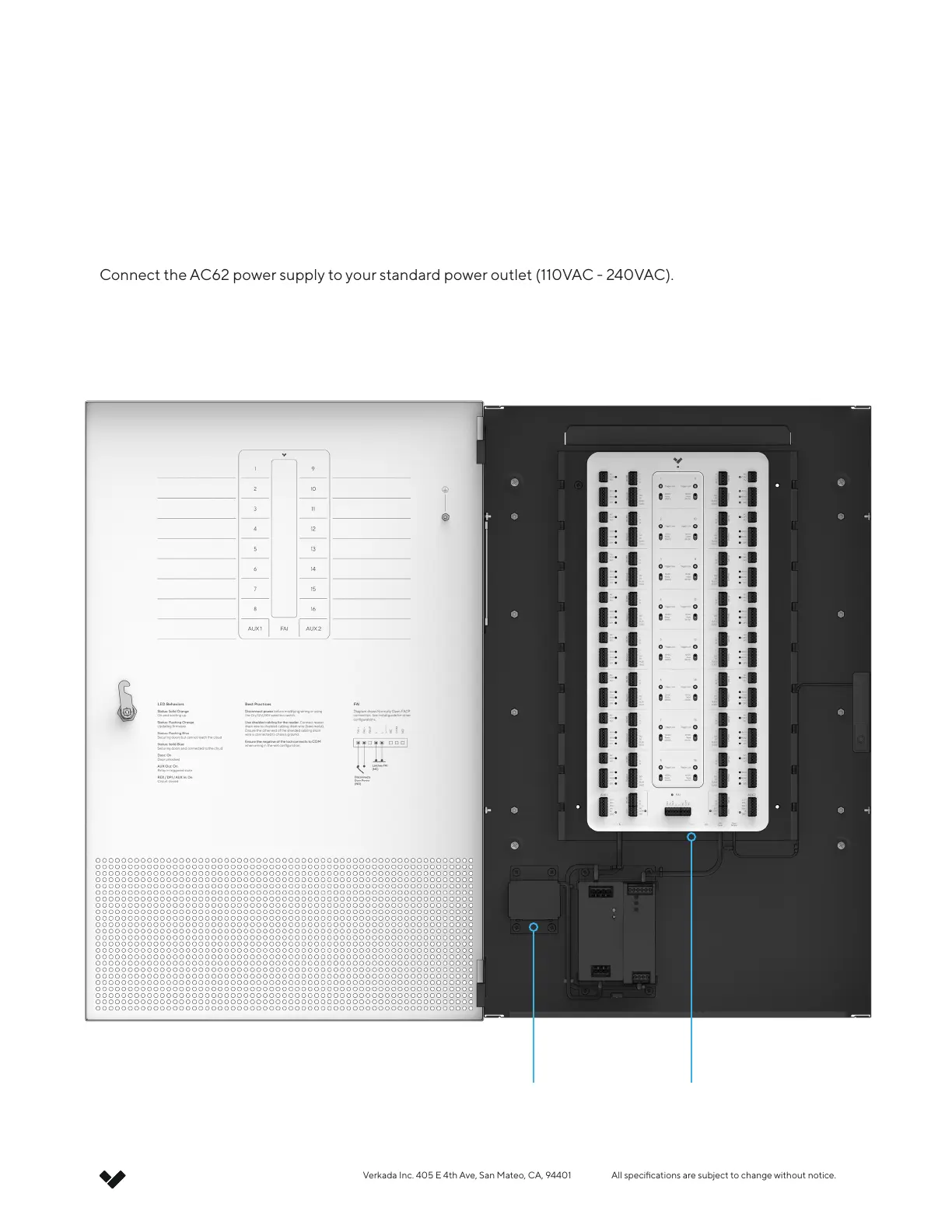
Connect the AC62 power supply to your standard power outlet (110VAC - 240VAC).
AC Inlet Ethernet



 To Next Page