Activating Radio Telemetry
If your vehicle is equipped with radio telemetry, no setup is required on the vehicle side. To activate radio
telemetry on the ground control station simply attach the receiving unit of the radio telemetry system to the
ground control station. If the vehicle does not automatically connect, add a new link manually to
QGroundControl by clicking on Settings -> Comm Links -> Add, and selecting the proper serial device. This
varies by system.
The DeltaQuad Pro is equipped with DSPS. Currently DSPS is in public Beta and not all features have
been activated.
Currently DSPS performs the following features:
Verify mission feasibility based on current weather conditions (or based on zero wind conditions when
no internet connection is available), and current battery capacity. The battery capacity is determined by
the current charge state and the parameter BAT_CAPACITY. You can change this value as described in
the section. Always make sure your battery capacity matches your total capacity. Key Parameters
Verify mission and parameter sanity
Monitor system temperature
Monitor permissible weather conditions (if available)
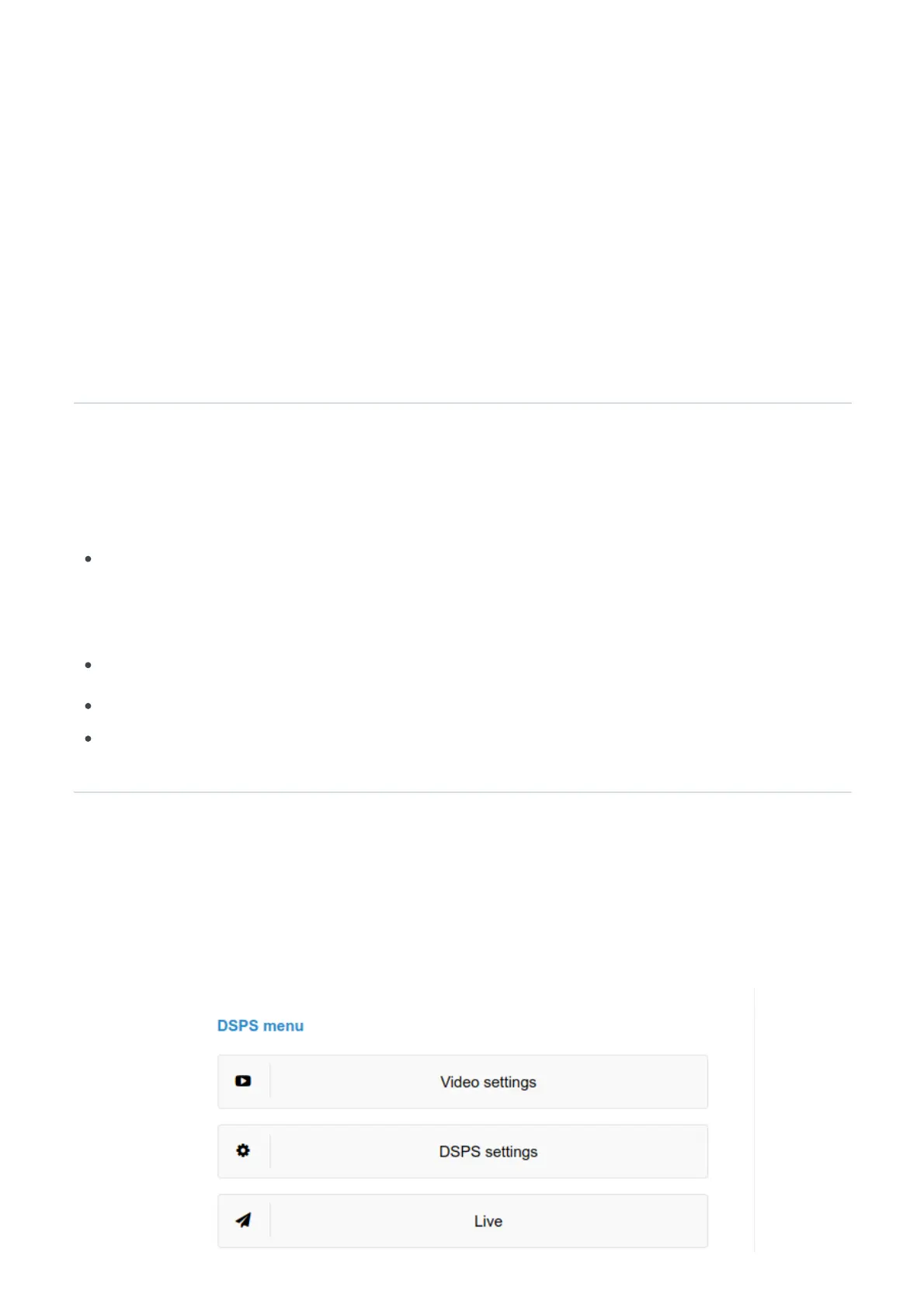
Accessing the DSPS control panel
When your vehicle has been equipped with 4G VPN you will have access to the DSPS web interface when
the vehicle is connected. The URL to access your DSPS web interface will have been provided to you with
your ZeroTier account settings.


 To Next Page
 Loading...
