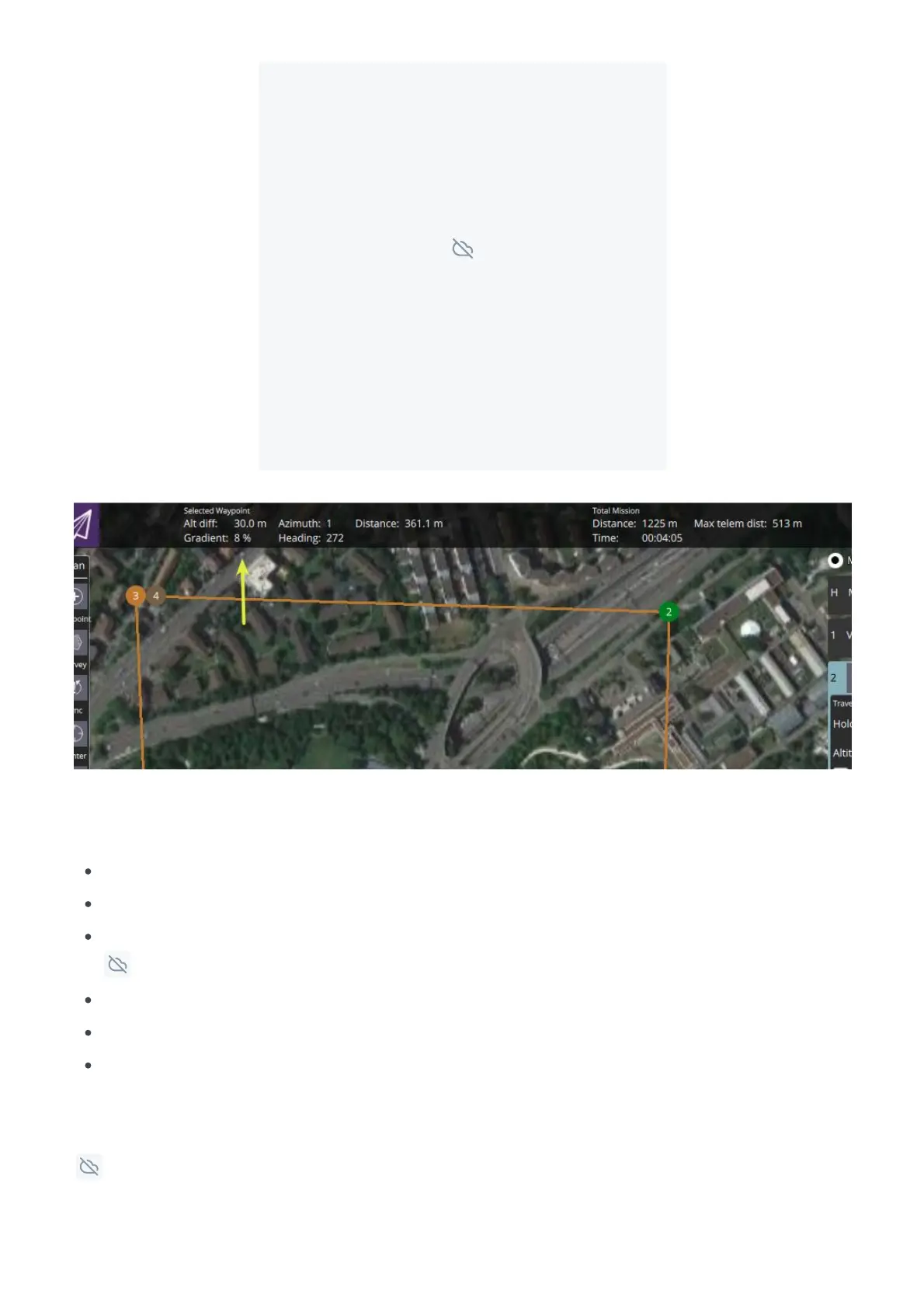
Click on the map to select the desired position.
Change the mission item to a VTOL LAND command.
Select the drop-down menu icon on the last mission item (waypoint).
Choose category VTOL
Select VTOL transition and land
Set altitude. The altitude in this item is the relative altitude to the home position where the vehicle is
expected to touch down. When landing on the same altitude where the takeoff occurred this can be left
at 0.



 To Next Page