From the Fly screen, ensure all key telemetry data has been activated. The key telemetry data can be
configured with settings button "A". The following telemetry data is recommended:
Altitude-rel: The relative altitude of the vehicle compared to its home position.
Ground speed: The ground speed in meters per second.
Current: The amount of Current in Amperes currently consumed by the vehicle.
Consumed: The total amount of current drawn from the battery since starting the vehicle.
Pitch: The current pitch angle in degrees.
Roll: The current roll angle in degrees.
Flight time: The total flight time from the moment of arming the vehicle.
Distance to home: The distance in meters from the takeoff location.
When all checks are performed, and everything is set up and working properly, you can start the mission.
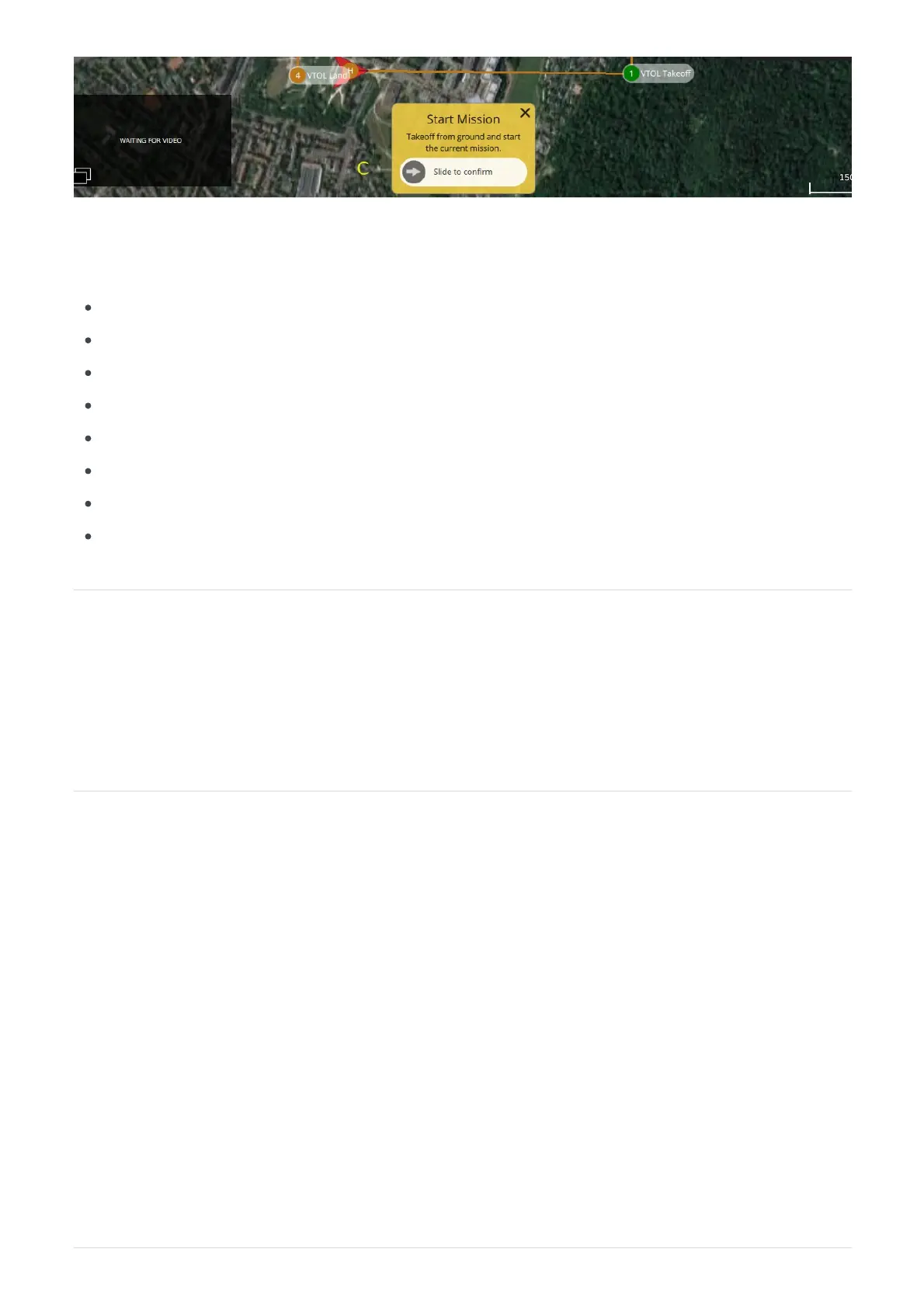
The mission can be started by sliding the "Start mission" activator to the right as indicated under "C". If the
start mission block has been closed this will be available under the action button "B".
Returning the vehicle during a mission
When the vehicle needs to be returned while executing a mission, the recommended method is to direct the
UAV towards a waypoint that will provide a clean entry into the pre-defined landing sequence. You can
change the active waypoint that the vehicle is following by clicking the desired waypoint from the fly screen
and confirming the change request.
Please note: when changing the active waypoint, the vehicle will immediately change its altitude to the
altitude of the selected item. It will not gradually climb or descend but reach the new altitude as fast as
possible. It is therefore recommended to select a waypoint that has an altitude at which the vehicle can
safely return from its current position. If a waypoint with a safe altitude is not available, it is recommended to
first reposition the UAV to a safe location by tapping a location on the map. While repositioning the UAV it
will maintain its current altitude.
Using the simulator is recommended to practice returning the UAV during a mission using the method
described in this section.


 To Next Page
 Loading...
