Testing the payload doors
WARNING: never trigger the payload doors when the vehicle is sitting on the gound with the payload
doors obstructed. This may damage your PDM.
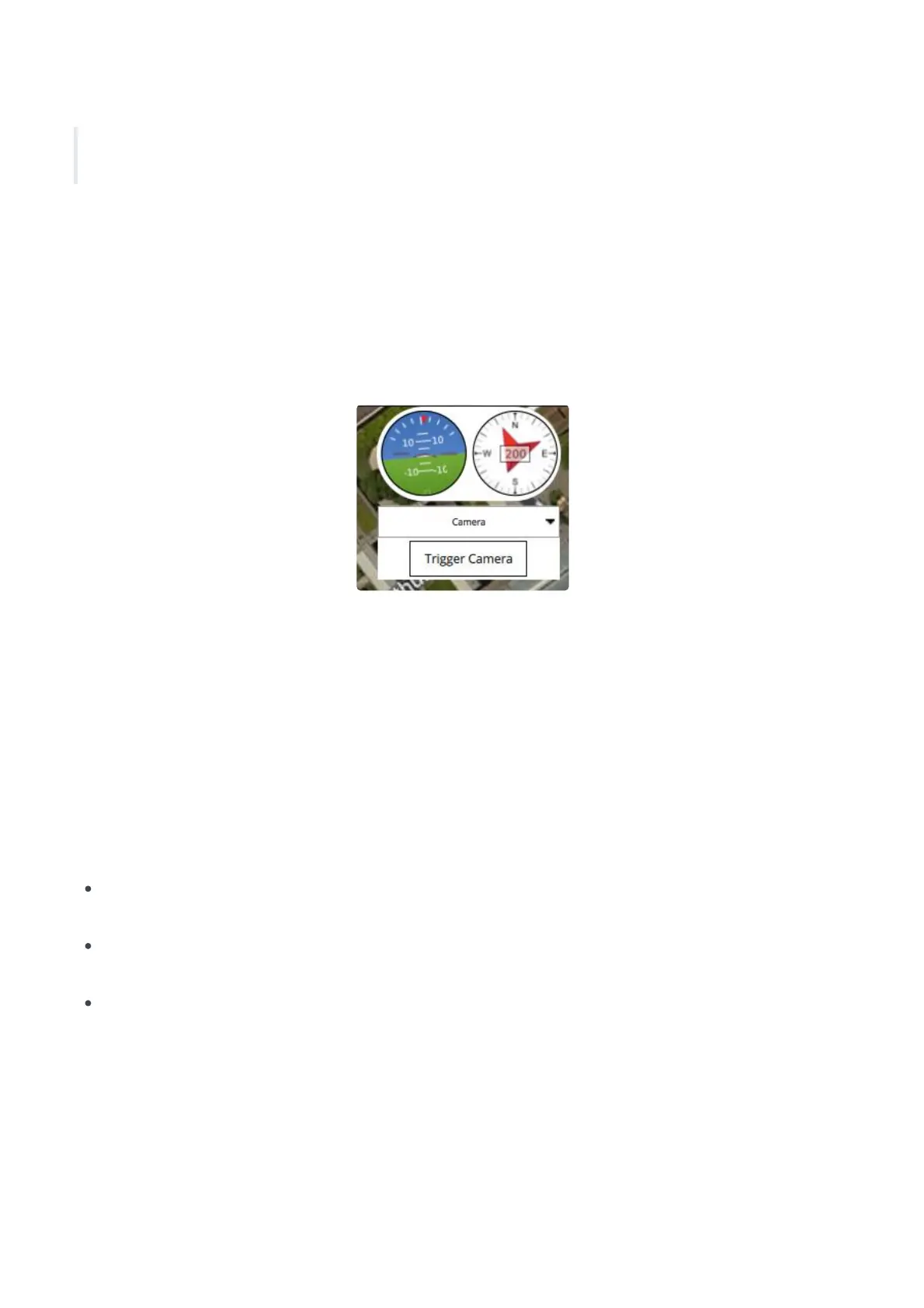
To test the payload doors position the vehicle such that the doors can open unobstructed, you could place
the vehicle between 2 tables for example. Then use the following steps;
1. Switch the vehicle and Ground Control Station on
2. From the "Fly" screen, tap the drop-down box that reads "Values" and select "Camera"
3. Press the "Trigger Camera" button
This method can also be used to manually control when the payload is dropped during a mission flight.
Dropping the payload during a mission
Payloads can be dropped while the vehicle is flying as a fixed wing (airplane mode) or as multi rotor (hover
mode). Fixed wing drops are the easiest, safest and the most efficient in terms of battery consumption, but
they are not very precise. Multi rotor drops are very precise but require significantly more energy and low
wind conditions.
For payload drops please consider the following;
Do not set camera patterns such as Survey or Corridor scan, doing this will trigger the payload drop
mechanism.
Payloads are dropped from the altitude the vehicle is maintaining, payloads should be able to resist
falling from such a height without damage, or they should be equipped with a parachute
Wind can affect where the payload is dropped. In fixed wing mode It is advised to face the wind direction
when dropping the payload.
To plan a drop in fixed wing mode please ensure the drop zone area is at least 50 meters or more. Plan your
mission using the following steps;
1. Plan a standard mission as indicated in the section. Planning a mission
2


 To Next Page
 Loading...
