5
UM150 User’s Manual
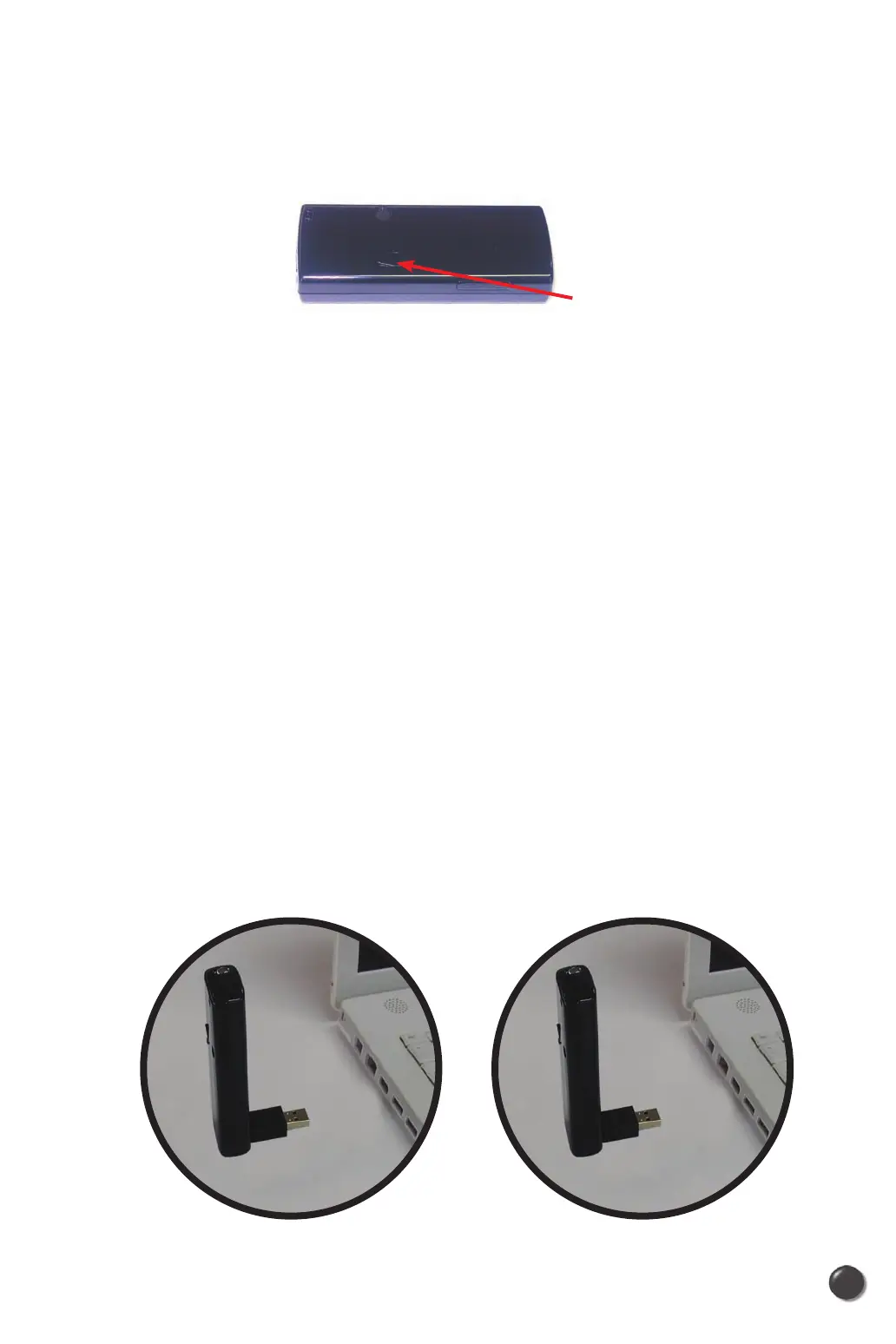
2.3.2 Use of External Antenna Connector
• Users can use “booster antenna” independently through external antenna
connector in the weak area and it is extra purchase.
2.3.3 Warnings
• Make sure to complete the unplugging/ejection process before removing the
UM150. If you remove the device improperly, the product may be damaged.
• Before inserting the UM150 into your PC’s USB port, remove the Installation
CD from the CD-ROM drive.
2.3.4 Notes
• If you have inserted the device properly, Windows will inform you of the new
hardware. Wait for a while until Windows completes “Found New Hardware”
task. In Windows 2000, several windows similar to “Found New Hardware”
window can appear and disappear automatically. In Windows XP, several tool
tips similar to the “Found New Hardware” function will appear and disappear
in the system tray automatically. In Windows Vista, several tool tips similar to
the “Installing device driver software” function will appear and disappear in the
system tray automatically. Once hardware detection is complete, you will be
prompted to start activation.
• You hear a short beep sound each time you insert or remove the UM150,
which is quite normal. It is an audible notification that your laptop recognizes
the new hardware.
5
4
UM150 User’s Manual
UM150 User’s Manual
Connect through here



 To Next Page