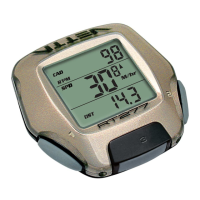
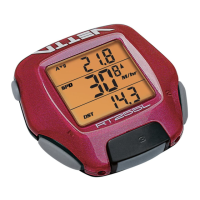
PROGRAMMING YOUR WHEEL SIZE
STEP 1
Once you select miles ( ) or kilometers ( ) and press the right key (A),
the C-16 will automatically advance into the wheel size setting mode. (See SETTING
MILES/HOUR OR KILOMETERS/HOUR)
STEP 2
The right hand digit (4) will begin flashing. Use the left key (B) to advance to the
number that you want.
NOTE: Hold the left key (B) to fast advance through the digits.
STEP 3
Press the right key (A) to set the number and advance to the next flashing digit (7).
STEP 4
Repeat this sequence until all digits are at the appropriate settings.
STEP 5
Press the right key (A) one final time to enter the wheel size setting into memory
and advance the unit back to the / screen.
The Vetta C-16 cycle computer is equipped with a digital clock that displays time
in a 12 hour format.
STEP 1
With the display in the mode, press the right key (A) for 2 seconds.
STEP 2
The screen will clear and the hour digits will begin to flash. Advance the digits
using the left key (B).
NOTE: Hold this key to fast advance through the digits.
STEP 3
When you have selected the correct digit, press the right key (A) to enter the digit
and advance to set the minutes using the same procedure as above.
STEP 4
Press the right hand key (A) to set the minutes and return to the screen.
SETTING THE CLOCK



 To Next Page