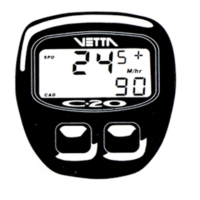
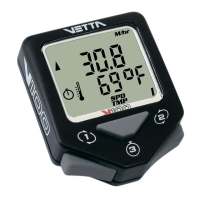
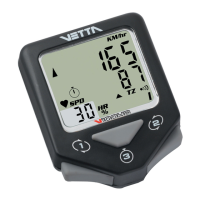
MAIN UNIT SETUP
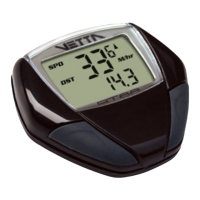
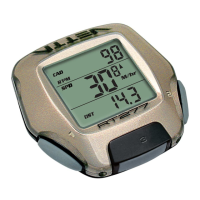
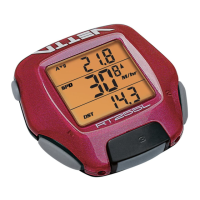
All RT series computers are programmed to enter the Setup mode after battery installation. In Set-Up,
Button #1 is used to select or set a value and to advance to the next digit or screen mode. Button #2 is
used to switch between settings and to increase values.
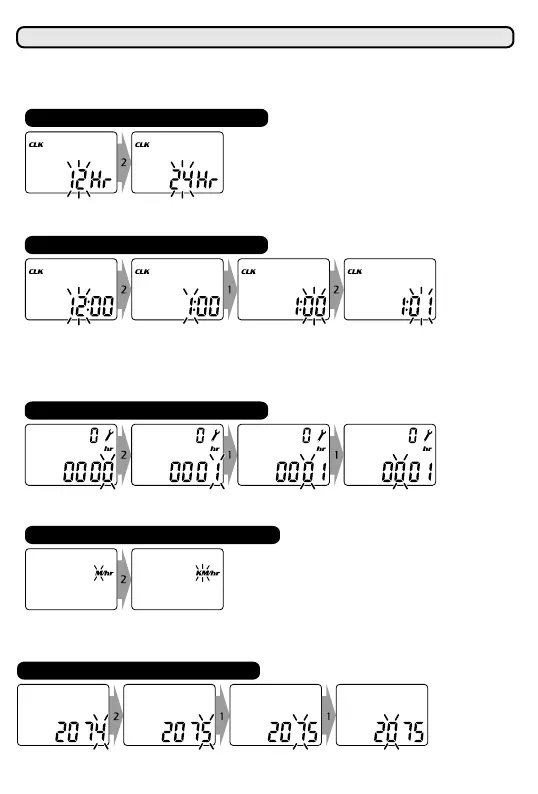
Press Button #2 to switch between flashing "12" and "24" hour formats. Press Button #1 to select desired
format and advance to time setting.
SET 12/24 CLOCK
To set the time in CLK mode: Press button #2 to advance hour digits to correct hour (hold button for rapid
advance). Press Button #1 to select and advance to minutes setting. Press Button #2 to advance minute
digits and press Button #1 to select. (To change the CLK format, time or service time interval, press
and hold Buttons #1 and #2 simultaneously for 2 seconds in the SPD/CLK screen mode until "12/24"
hour format digits flash).
SET TIME
Press Button #2 to switch between "M/hr" and "KM/hr" and Button #1 to select desired units and
advance. (To change units in SPD/ODO screen mode, press and hold Buttons #1 and #2
simultaneously for 2 seconds until "M/hr" begins to flash).
SET SPEED/DISTANCE SCALE
Press Button #2 to advance hour digits to desired total hours and press Button #1 to select and advance
(Maximum hour setting = 1999 hours).
SET SERVICE TIMER
Default wheel circumference setting is 2074mm. Choose correct wheel circumference figure from Wheel
Reference Chart. Press Button #2 to advance digits as needed and Button #1 to select and advance.
(Range: 0050-2999mm).
SET WHEEL SIZE



 To Next Page