060217.01 5
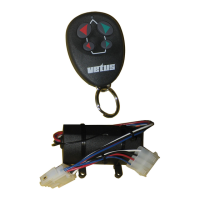
vetus® Radio Remote Control
4 Replacing batteries
From the backside remove both stainless
steel clamps and remove the rear part of the
housing. Remove the electronic circuit from
the housing and replace the battery.
Battery type CR2032.
Reassemble it in reverse order.
5 How to add and program
additional transmitters
Each new transmitter must be added. A maxi-
mum of 5 transmitters can be coupled to one
receiver. If a 6
th
transmitter is added the 1
st
transmitter will be deleted from the memory of
the receiver.
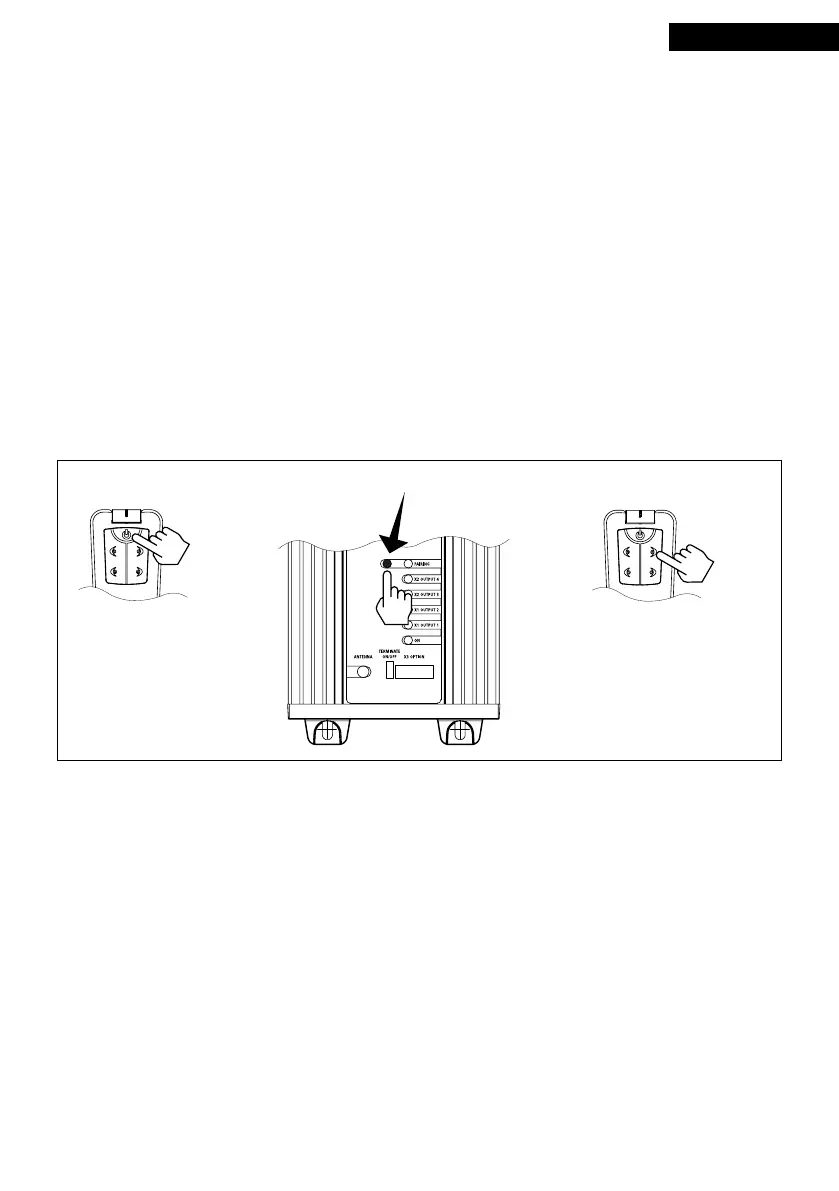
Procedure to add a new transmitter to the re-
ceiver:
1. Make sure that the wiring of the receiver
is connected and the power supply swit-
ched on.
2. Press and hold the ‘ON’ key for about 2 se-
conds to switch on the new station.
3. Press and hold the ‘PROG.’ key until the red
LED is on (approx. 4 sec.).
4. On the new transmitter, press one of the
keys and keep it pressed until the bow
thruster is switched on.
5. The transmitter is now logged on.
ENGLISH
6 Technical specications
2 3
4 sec.
1
2 sec.
Receiver
Power supply : 8 to 30V DC
Protection class : IP40
Frequency : 433.92 Hz
Temperature range : 0 - +70°C (+32 - +158°F)
Weight : 800 g (28 oz)
Maximum current
(per output) : 8 A (at max. 30 Volts DC)
Remote control
Power supply : 3 V CR2032 (1x)
Protection class : IP66
Frequency : 433.92 Hz
Temperature range : 0 - +70°C
(+32 - +158°F)
Weight : 50 g (2 oz)


 To Next Page