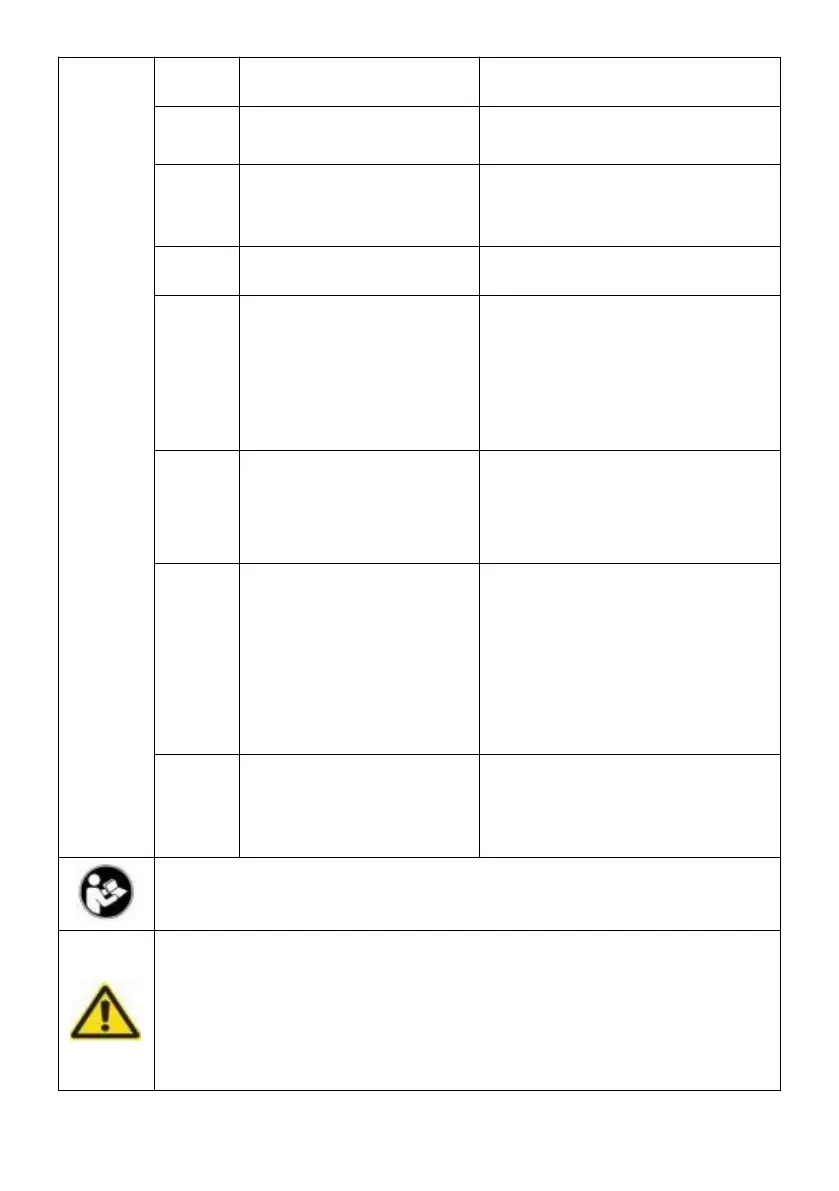
Temperature sensor
cutting out
Change the temperature
sensor line
Battery protection
cutting out
1.Change/charge the battery
2. Lower battery protection
switch to lower setting
clean fan or change the fan
Motor start error(the
rotor is
blocked or the
differential pressure in
refrigeration system is
too high
Disconnect power for30
minutes then
re-start
compressor speed
error protection .
Reduce load on refrigeration
system increase temperature
setting.change the main
controller
Thermal cut-out
(Overload or internal
temp too high)
Move refrigerator to a well
ventilated place, allow
compressor to cool. then re-
start . Ensure all vents and
internals are clean. Clean
with compressor air
Temperature sensor
disconnection
1.Tighten the temperature
sensor line
2.Change the temperature
sensor line
Warning: To reduce the risk of injury, the user must read the
instructions manual carefully.
This symbol, placed before a safety comment , indicates a
kind of precaution, warning, or danger. Ignoring this warning
may lead to an accident . To reduce the risk of injury, fire, or
electrocution, please always follow the recommendation
shown below.


 To Next Page