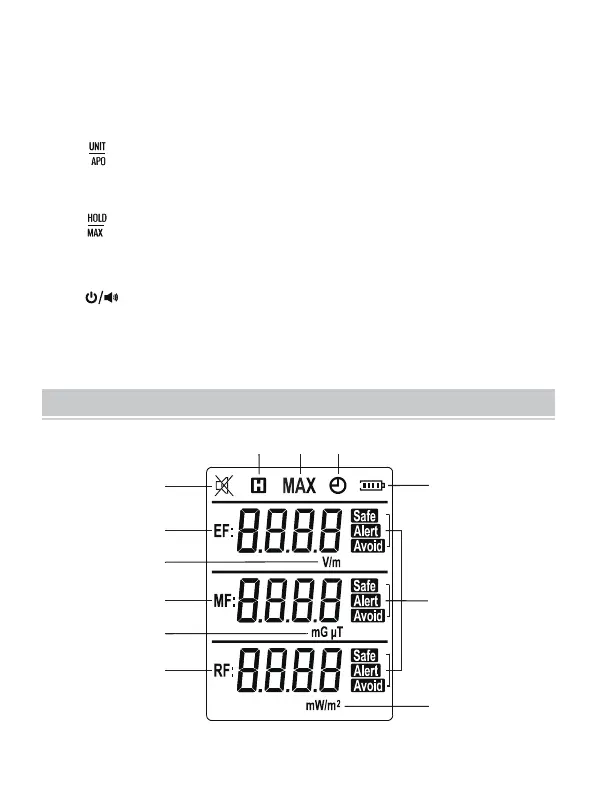
Display
Radiation Strength Indicator LED
Green indicates a low level; Yellow indicates a medium level; Red
indicates a high level.
" " Button
Short press to change the magnetic field unit.
Long press to enable or disable the automatic power-off feature.
" " Button
Short press to lock or unlock the current readings.
Long press to enter or exit the MAX recording mode.
" " Button
Short press to enable or disable the audible alarm function.
Long press to turn on or off the tester.
1.
2.
3.
4.
5.
10
11
12
2
1
3
4
5
6
7
8
9
DISPLAY DESCRIPTION
- 5 -



 To Next Page