Battery
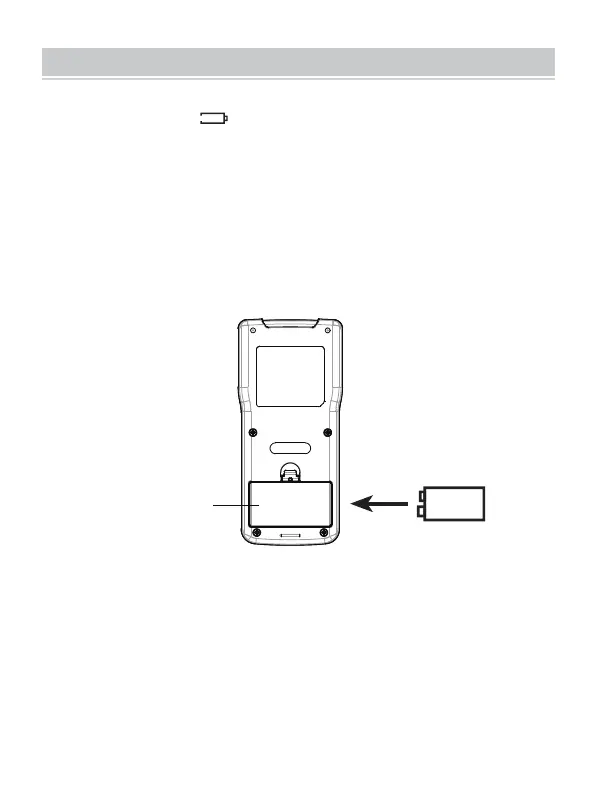
Cover
9V Battery
When the symbol " " appears on the display, replacement of the
battery is needed. To replace the battery, open the battery cover on the
back of the tester. Replace the old battery with a new one of the same
type, make sure that the polarity connections are correct. Close the
battery cover until it is secured in place.
BATTERY CHARGING/REPLACEMENT
- 11 -



 To Next Page