1. Making measurements
Press and hold the " " button for about 2 seconds to turn on the
tester. It defaults to enter the real-time measurement mode.
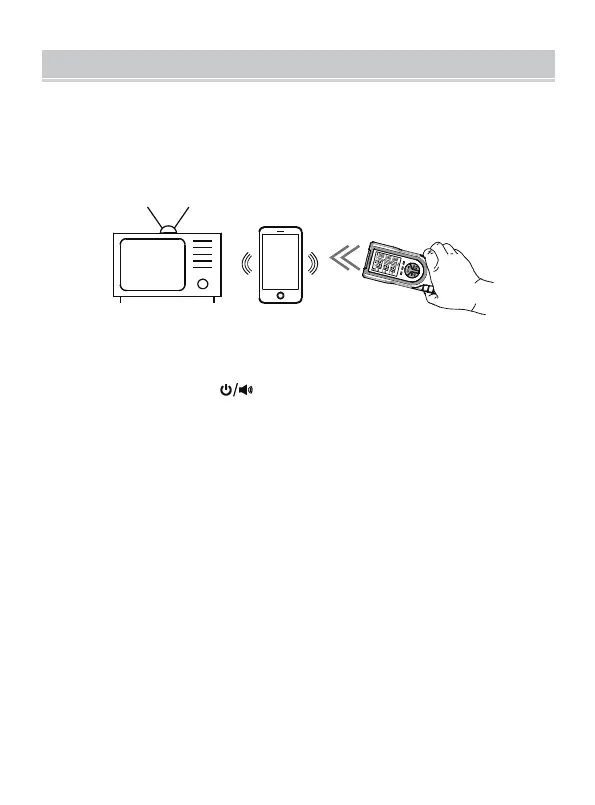
With the tester in hand, move the head of the tester slowly towards
the object under test (as show in the above Figure). The display
simultaneously shows the measurement results of electric field,
magnetic field and radio frequency field. The tester also gives
indications to indicate the intensity of measured radiation, as
shown in the following table.
Note: The radiation intensity increases as the tester gets closer to a
radiation source.
1.
2.
OPERATION INSTRUCTION
- 7 -



 To Next Page