- 35 -
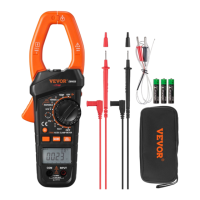
Periodically wipe the case with a damp cloth and a little mild detergent. Do
not use abrasives or solvents.
Dirt or moisture in the terminals can affect readings. Clean the terminals as
follows:
1. Set the rotary switch to OFF position and remove all the test leads from
the meter.
2. Shake out any dirt which may exist in the terminals.
3. Soak a new swab with alcohol.
4. Work the swab around in each terminal.
If the meter fails, check and replace ( as needed ) the batteries and/or
review this manual to verify proper use of the meter.


 To Next Page