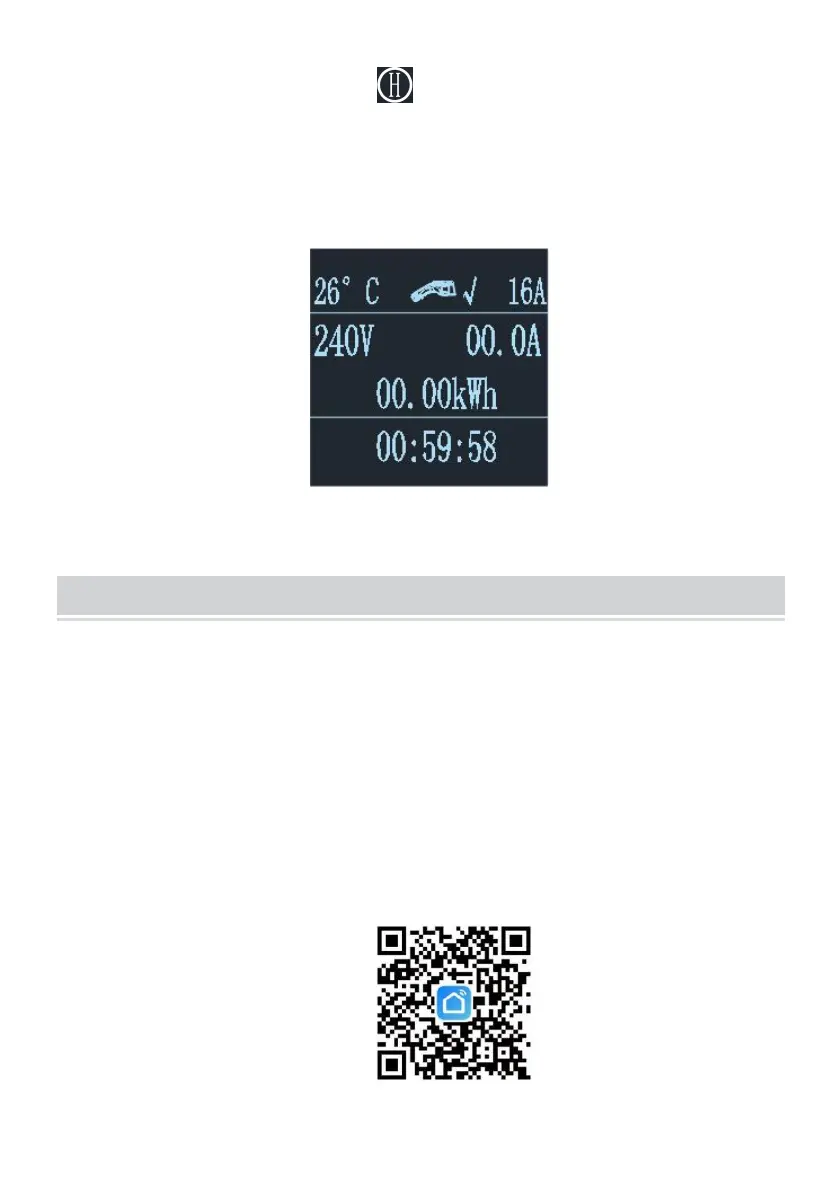
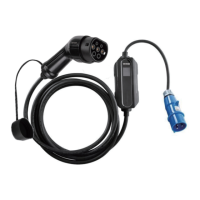
2.3 Appointment charging: Click to increase the reservation time.You
can choose between 0 and 12H.After the appointment time, it will
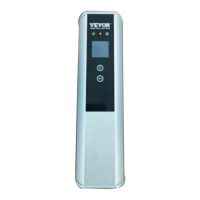
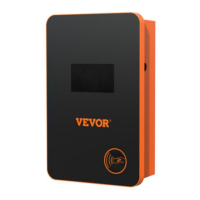
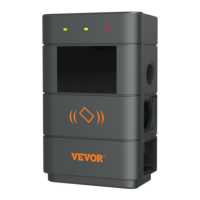
automatically enter the charging state.All models included in this manual
can be charged by APP Appointment charging.
OBILE PHONE APP CHARGING OPERATION INSTRUCTIONS
3. APP download and binding use
a. To download the smart APP, enter the following address in the mobile
browser:
https://developer.tuya.com/cn/docs/iot/tuya-smart-app-smart-life-app-adva
ntages?id=K989rqa49rluq
Click the website and follow the prompts to install.
b. Qr code download:
Open the mobile browser or other social software, scan the QR code, and


 To Next Page