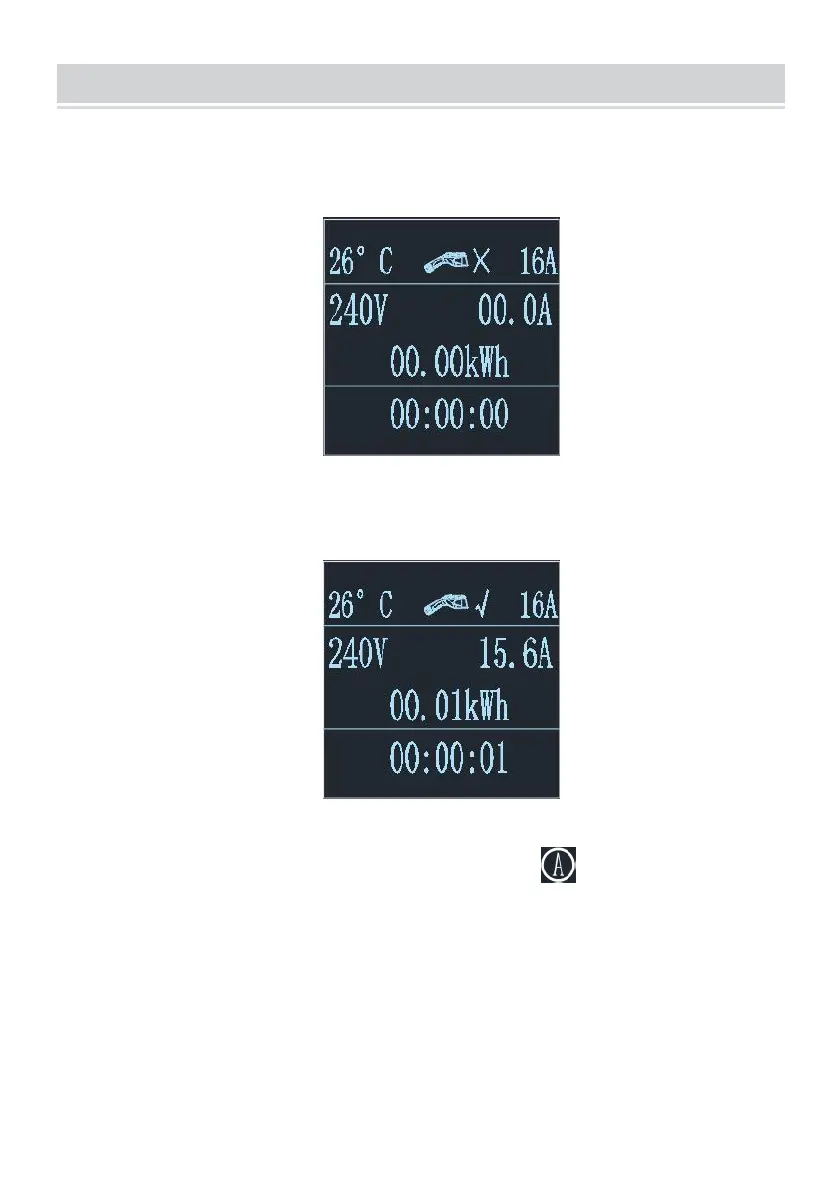
2. After the device is powered on, it enters the standby state. The device
standby interface is shown below:
2.1 After inserting the charging gun head into the vehicle charging port,
the charging interface is shown below:
2.2 Adjust the charging current: click the button to adjust the
charging gear:16A-13A-10A-8A-16A Cycle the current in this order.After
switching the usage current, plug in the gun head to charge.



 To Next Page