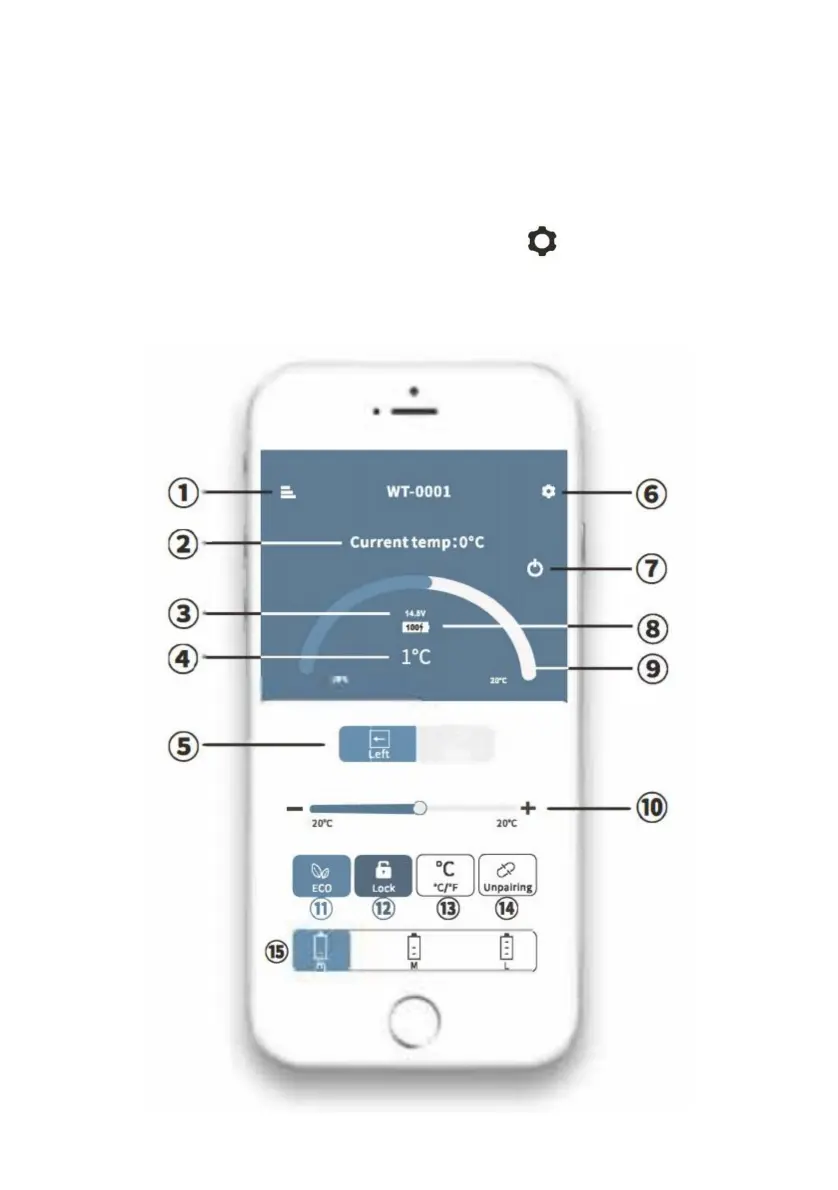
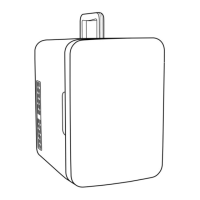
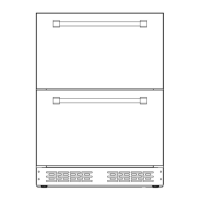
Deuxièmeétape:cliquezsurl'icôneduréfrigérateurpourlecouplageBluetooth(l'applicationvousdemandera
surlacommandeduréfrigérateur
cliquezsur«Rechercher»pourtrouverlesréfrigérateursàproximité.
Premièreétape:activezleBluetoothsurvotreappareilintelligent;démarrezl'applicationet
vouspouvezappairerleréfrigérateurenappuyantsurleboutonset
panneaulorsdubranchementduréfrigérateurpourlapremièrefois).Aprèsl'appairage,l'APP
passeraàl’interfaceprincipalevouspermettantdecontrôlerleréfrigérateur.
INSTRUCTIONSSMARTCONTROLFRIDGEAPP
1
Machine Translated by Google


 To Next Page