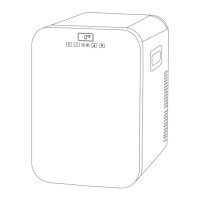
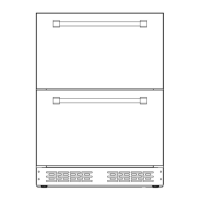
①MENU
②Current temperature
③Current voltage
④Target temperature
⑤Switch Left/Right
compartment
⑥SET
⑦ON/OFF
⑧Current battery
⑨⑩Temperature control
⑪CO(Energy-saving) / MAX(Fast-cooling)
⑫Lock / Unlock
⑬Celsius / Fahrenheit
⑭Un pairing the device and return to search
⑮Battery protection mode: High / Medium
/Low
Note:
*Click the lock icon on the APP to lock/unlock the control panel on
the fridge, if locked, the fridge can only be controlled by the APP.
Downloading the "CAR FRIDGE FREEZER" Application
Scan the QR code on the left or search for the "CAR FRIDGE
FREEZER" APP in the APP Store (for Apple devices) or Google Store
(for Android devices).


 To Next Page