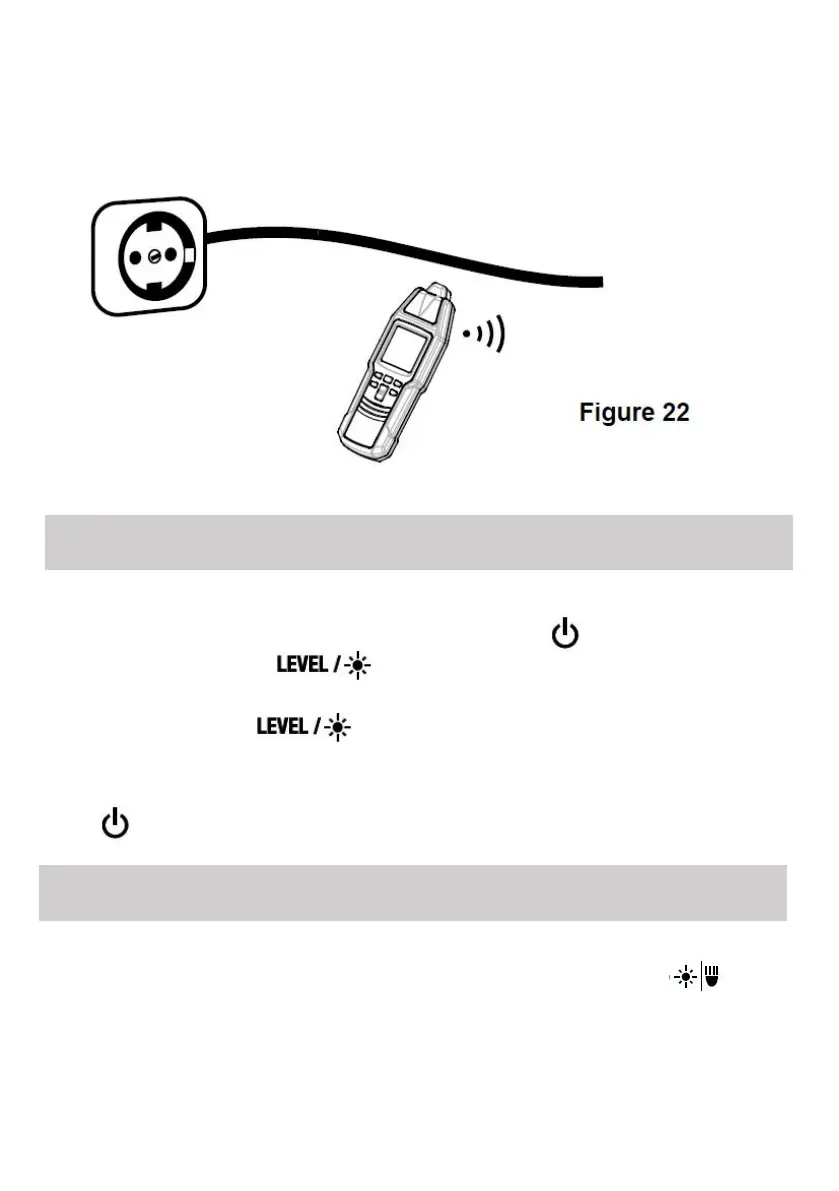
To avoid interference, do not use the receiver where there is strong
environmental electromagnetic field;otherwise the test result may be
wrong.
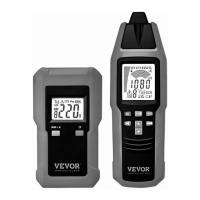
Make sure that the transmitter is off.
On the transmitter, press and hold down the " " button while
holding down the " " button.When the transmitter has turned
on, release all the buttons.
Briefly press the " " button until the desired transmission
code appears on the transmitter display.
To exit the transmission code setting mode, press and hold down the
" " button for about 1 sec. The transmitter turns off.
Make sure that the receiver is on, then briefly press the " "
button to turn on or off the light on the receiver. The light turns off
automatically after about 60 secs.
Setting the transmission code of the transmitter
Using the illumination function of the receiver


 To Next Page