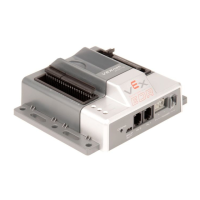
CORTEX Microcontroller and Joystick Quick Start Guide
Page 4 of 9
c. Two Joystick Operation: The default code allows two Joysticks to control motors when a jumper is installed in CORTEX
location Digital 11. Connect the two Joysticks together using the PARTNER Ports with a coiled handset cord as
shown. Only one Joystick should have a VEXnet key installed. The Joystick to Joystick connection is shown below.
d. Limit Switch Inputs: The default code allows jumpers or switches to be installed in the Analog Ports to limit certain
motor directions. These are useful for stopping a motor when an arm bottoms out. A limit switch plugged in to
Analog 1 will stop Motor 6 from turning counterclockwise when activated. A limit switch plugged in to Analog 2 will
stop Motor 6 from turning clockwise when activated.


 To Next Page
 Loading...