EasyManua.ls Logo

Vexus Audio AP1500ABT - User Manual

Default Icon
20 pages
Print Icon
To Next Page IconTo Next Page
Loading...
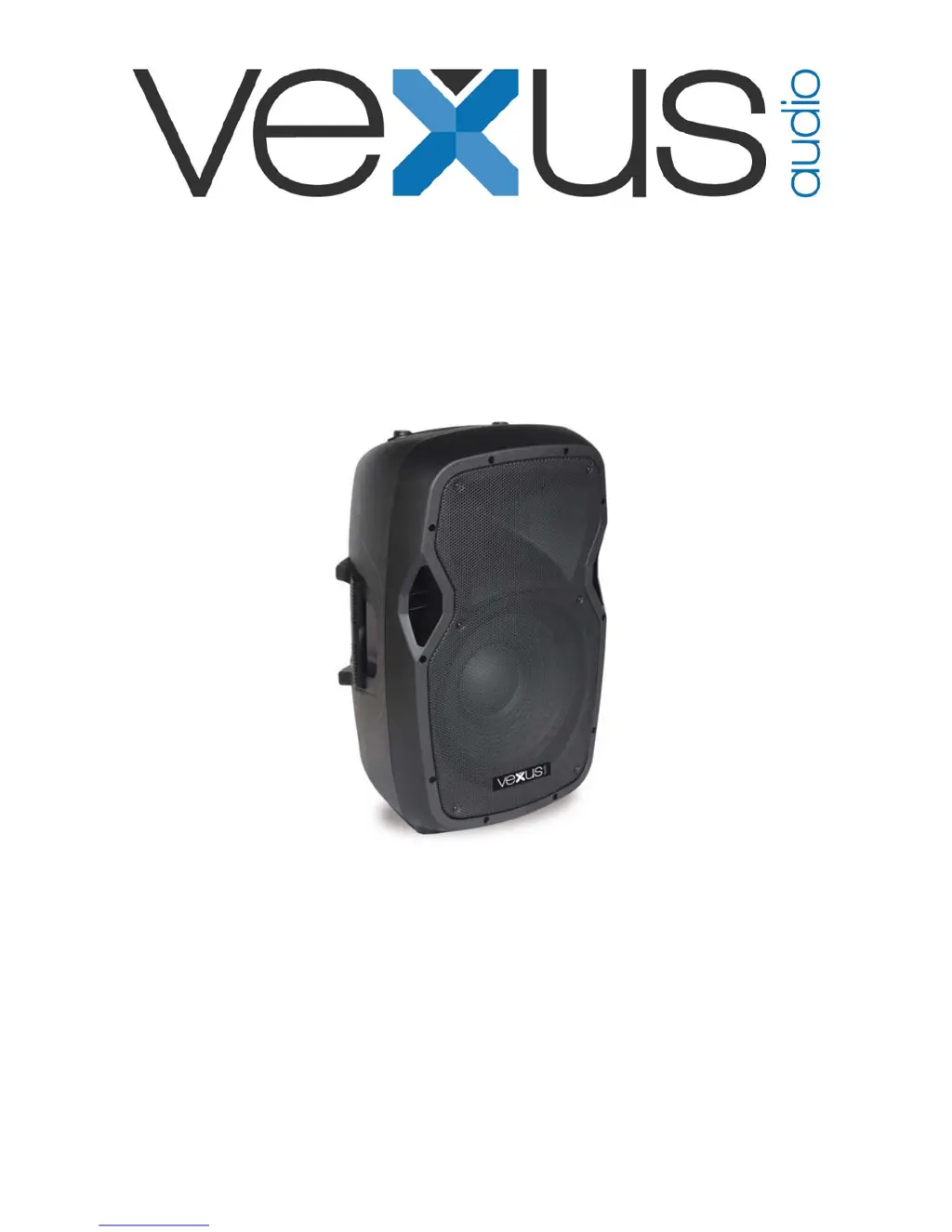
AP1200ABT MP3 Hi-End Act.12"
AP1500ABT MP3 Hi-End Act.15"
Ref. nr.: 170.345 / 170.347
INSTRUCTION MANUAL
GEBRUIKSAANWIJZING
GEBRAUCHSANLEITUNG
MANUAL DE INSTRUCCIONES
V1.0

Questions and Answers

  • K
    Kristina HardinAug 8, 2025
    Why is there constant noise coming from my Vexus Audio AP1500ABT?
    • M
      Marvin BrownAug 8, 2025
      Constant noise, buzzing, or humming usually comes from a faulty electronic component within your amplifier, mixer, signal processing unit, source device, or line-level wiring. You should check and correct the system grounding, perform a chain check to identify noisy sources or components, and inspect the wiring for proper shielding.
  • P
    Patricia HouseAug 18, 2025
    What to do if Vexus Audio AP1500ABT have poor low-frequency output?
    • J
      Jose AllenAug 18, 2025
      Poor low-frequency output from Vexus Audio Speakers can occur due to improper polarity. When two speakers close to each other are connected out-of-polarity, they can partially cancel each other out, especially at low frequencies. Ensure your speaker cables are identically wired and connected. Also, verify that the balanced line signal cables are correctly wired.
  • J
    johnbrooksAug 28, 2025
    Why do my Vexus Audio AP1500ABT Speakers have intermittent output?
    • S
      sarahfernandezAug 28, 2025
      Intermittent output from Vexus Audio Speakers is often due to poor connections. While a faulty speaker could cause this, it's more likely an issue with the output cable or connector. Check the soldering on your connectors to ensure they are secure.

Summary

General Safety Precautions

Key Safety Instructions

Essential safety guidelines to prevent hazards like fire, electric shock, and damage during operation and maintenance.

Product Features and Operation

Rear Panel Overview

Description of input/output connectors, controls, and indicators on the speaker's rear panel for setup and use.

Media Player Functionality

Details on using the built-in media player for playing audio files from SD cards, USB drives, and Bluetooth sources.

Bluetooth Device Pairing

Step-by-step guide on how to connect and stream audio wirelessly from external Bluetooth-enabled devices.

Vexus Audio AP1500ABT Specifications

General IconGeneral
Woofer Size15 inches
BluetoothYes
Equalizer2-Band
Low Pass FilterNo
TypeActive
InputsRCA
Microphone InputYes

Related product manuals