EasyManua.ls Logo

Vexus Audio AP1200ABT - User Manual

Vexus Audio AP1200ABT
20 pages
Print Icon
To Next Page IconTo Next Page
Loading...
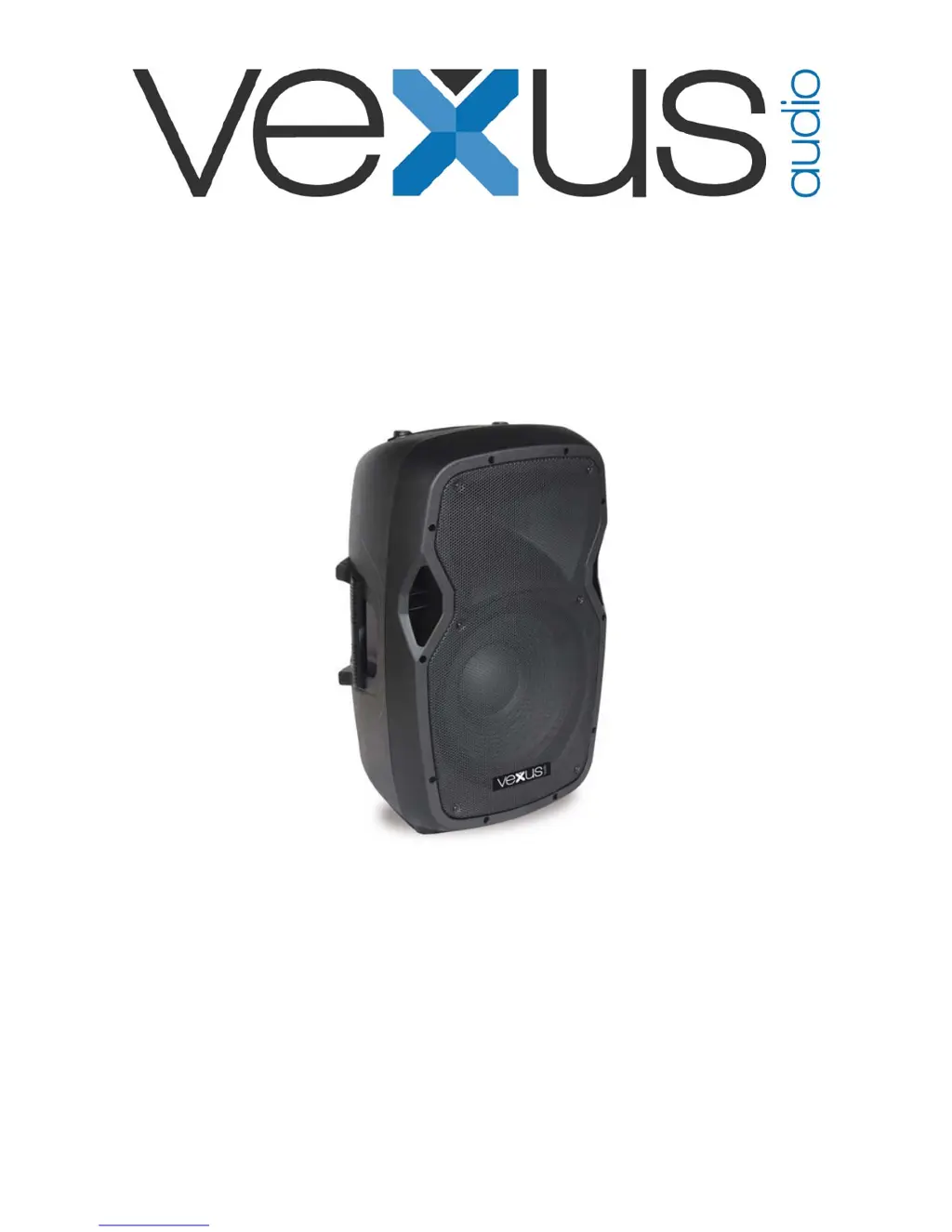
AP1200ABT MP3 Hi-End Act.12"
AP1500ABT MP3 Hi-End Act.15"
Ref. nr.: 170.345 / 170.347
INSTRUCTION MANUAL
GEBRUIKSAANWIJZING
GEBRAUCHSANLEITUNG
MANUAL DE INSTRUCCIONES
V1.0

Questions and Answers

  • D
    Diana DeanAug 2, 2025
    Why is there constant noise coming from my Vexus Audio Speakers?
    • J
      Justin SmithAug 2, 2025
      Constant noise, buzzing, or humming usually comes from a faulty electronic component within your amplifier, mixer, signal processing unit, source device, or line-level wiring. You should check and correct the system grounding, perform a chain check to identify noisy sources or components, and inspect the wiring for proper shielding.
  • T
    Travis PenaAug 12, 2025
    What to do if Vexus Audio AP1200ABT have poor low-frequency output?
    • W
      williammooreAug 12, 2025
      Poor low-frequency output from Vexus Audio Speakers can occur due to improper polarity. When two speakers close to each other are connected out-of-polarity, they can partially cancel each other out, especially at low frequencies. Ensure your speaker cables are identically wired and connected. Also, verify that the balanced line signal cables are correctly wired.
  • R
    Ronald StevensAug 22, 2025
    Why do my Vexus Audio Speakers have intermittent output?
    • T
      Theresa BoydAug 22, 2025
      Intermittent output from Vexus Audio Speakers is often due to poor connections. While a faulty speaker could cause this, it's more likely an issue with the output cable or connector. Check the soldering on your connectors to ensure they are secure.

Summary

Vexus Product Usage and Safety

Initial Precautions and Handling

Advice before use, avoiding hazards like opening housing, liquids, heat, and proper mains lead handling.

Operational Guidelines and Maintenance

Covers connection, unplugging, storage, environmental care, cleaning, and component maintenance.

Important Safety Warnings

Highlights critical safety aspects like high voltages, proper usage, disposal, and environmental temperature.

Technical Specifications

Rear Panel Overview

Input and Output Connectors

Details on microphone, line inputs/outputs, and speaker output connectors on the rear panel.

Controls and Indicators

Explanation of volume controls, tone control, power LED, and clip LED indicators.

Media Player Functions

Media Device Connections

Connecting SD cards and USB sticks for MP3 playback.

Media Player Controls

Description of controls for mode selection, track navigation, repeat, and play/pause.

Bluetooth Device Connection

Pairing and Connecting

Steps to connect a Bluetooth device, including finding 'BT-STREAM' and using password '0000'.

Troubleshooting Guide

CE Declaration of Conformity

Vexus Audio AP1200ABT Specifications

General IconGeneral
BrandVexus Audio
ModelAP1200ABT
CategorySpeakers
LanguageEnglish

Related product manuals