8
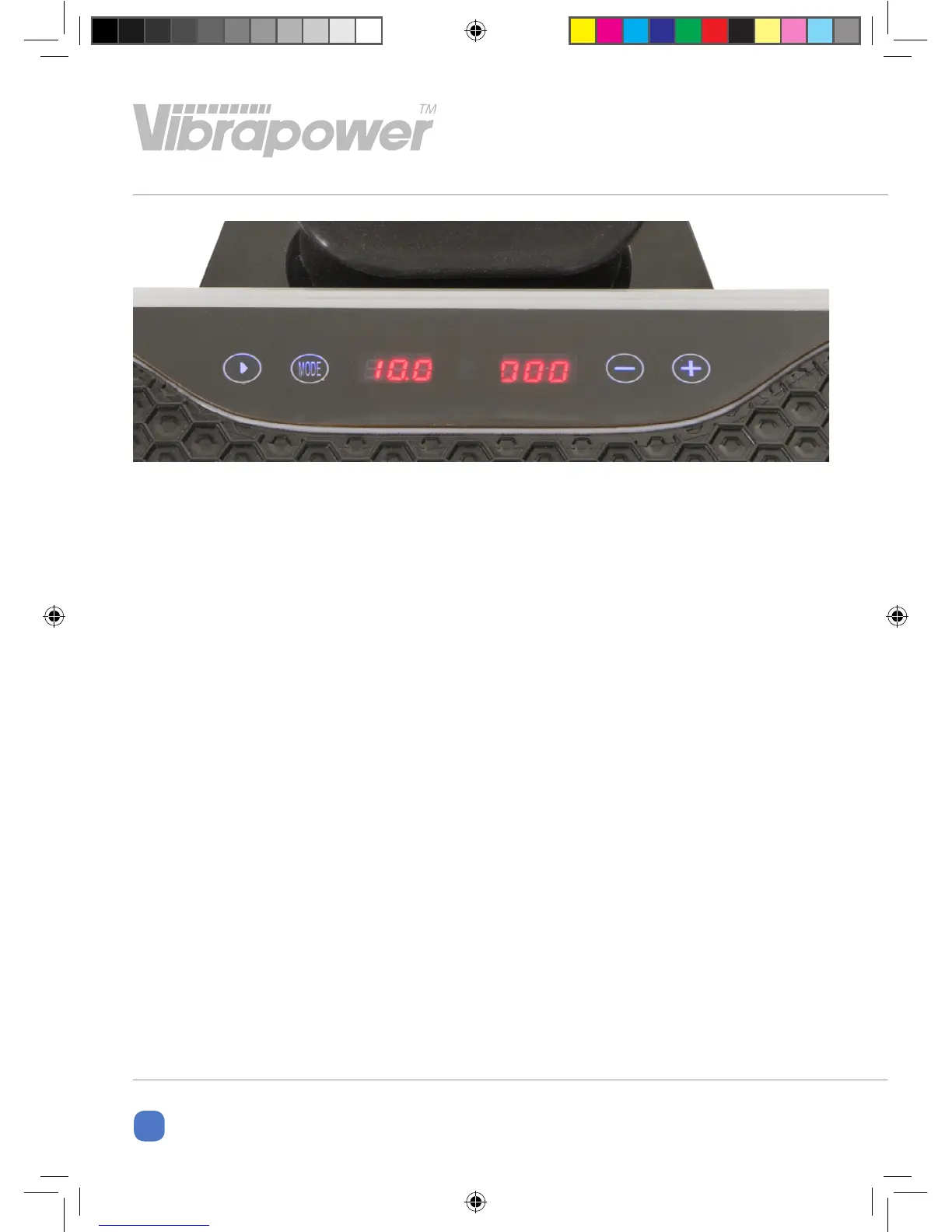
CONTROL PANEL
Power Button: Starts and stops the
programmes.
Mode: Switches between manual mode
and preset programmes
- Button: Decreases Time and Speed
(once manual mode has started)
+ Button: Increases Time and Speed
(once manual mode has started)
When switched on the Time display will
show “10.0” and speed display will show
“000”. Select the required programme,
decrease or increase the time of the
workout (only in manual mode), then
press play.
The voice function of the preset
programmes will not operate when
the mast is not plugged in.
Alternatively you can use the remote
control to activate the control panel.
For preset programmes you do not need
to press play. This will start automatically
after a few seconds of being selected.
VIBRACOACH IM - 1117.indd 8 08/11/2017 18:23:49


 To Next Page