EasyManua.ls Logo

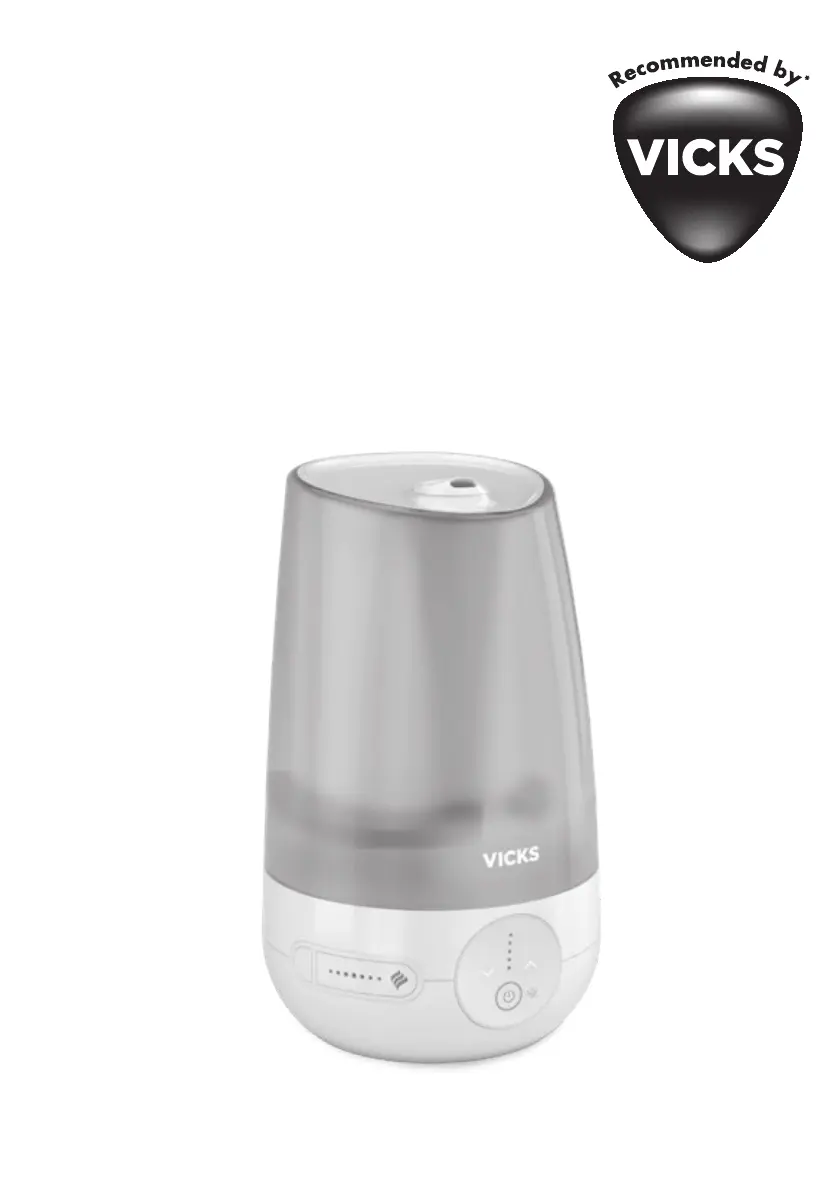
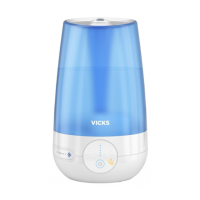
Vicks CoolMist VUL565E - User Manual

Vicks CoolMist VUL565E
45 pages
Print Icon
To Next Page IconTo Next Page
Loading...
Cool Mist
Ultrasonic Humidier
VUL565E

Questions and Answers

  • N
    ngarciaAug 6, 2025
    What to do if my Vicks Humidifier is not producing mist?
    • J
      Justin PowersAug 6, 2025
      If your Vicks Humidifier is not producing mist, ensure the water tank is filled. Also, make sure the unit is placed on a level surface. Mineral deposits on the nebulizer can also cause this issue, so clean the nebulizer according to the instructions. If you washed the water tank with detergent, rinse it thoroughly with clean water and wipe it dry. Insufficient water level can also be the reason, add more water to the tank. If the nebulizer or fan isn't working, consult the guarantee.
  • R
    rossaaronAug 12, 2025
    Why are the cleaning indicator and sound always on my Vicks CoolMist VUL565E Humidifier?
    • C
      Cynthia JeffersonAug 12, 2025
      It is normal for the cleaning indicator and sound to activate every time the Vicks Humidifier is powered on. This indicates that the humidifier must be regularly cleaned. Follow the guidance in the owner's manual and undertake thorough cleaning every 3 days. Press the cleaning button to clear the notifications.
  • M
    Michelle JonesAug 17, 2025
    Why is there condensation around my Vicks CoolMist VUL565E Humidifier?
    • K
      Karen HuffAug 17, 2025
      If you notice condensation forming around your Vicks Humidifier or on windows, it means the mist intensity is too high for the room size or the current humidity level. Try reducing the output level or turning off the humidifier.
  • B
    Benjamin BrandtAug 25, 2025
    How to prevent white dust from my Vicks Humidifier?
    • J
      John WilsonAug 25, 2025
      If you observe mineral residue, also known as “White Dust,” accumulating from your Vicks Humidifier, it's likely due to using hard water. Switch to distilled water to resolve this issue.
  • M
    Monique WrightAug 29, 2025
    What to do if the power light is off on my Vicks Humidifier?
    • P
      phillip65Aug 29, 2025
      If the power button is switched on but the power light on your Vicks Humidifier is off, first ensure the unit is properly plugged in. If it is, check the outlet for power by testing circuits and fuses, or try a different outlet.

Summary

Important Safety Instructions

General Safety Guidelines

Covers essential safety rules for operating the humidifier safely, including handling, placement, and maintenance.

Product Setup and Operation

Components, First Time Use, and Operation

Details product parts, initial setup, filling, powering on, and feature usage.

Care and Cleaning Instructions

Every 3 Days Cleaning

Details the daily cleaning reminder and procedure for the humidifier.

Weekly Scale Removal

Step-by-step guide for removing mineral deposits and scale buildup from the humidifier.

Weekly Disinfecting

Instructions for disinfecting the humidifier using a bleach solution to maintain hygiene.

Troubleshooting and Specifications

Troubleshooting Common Issues

Addresses common problems with the humidifier and provides corrective actions.

Performance Specifications

Details key performance metrics such as tank capacity and ideal room size.

Vicks CoolMist VUL565E Specifications

General IconGeneral
BrandVicks
ModelCoolMist VUL565E
CategoryHumidifier
LanguageEnglish

Related product manuals