4
Viconics Technologies
028-0465-00 October 2015
Login and Configure Building Expert
This procedure shows how to configure Building Expert.
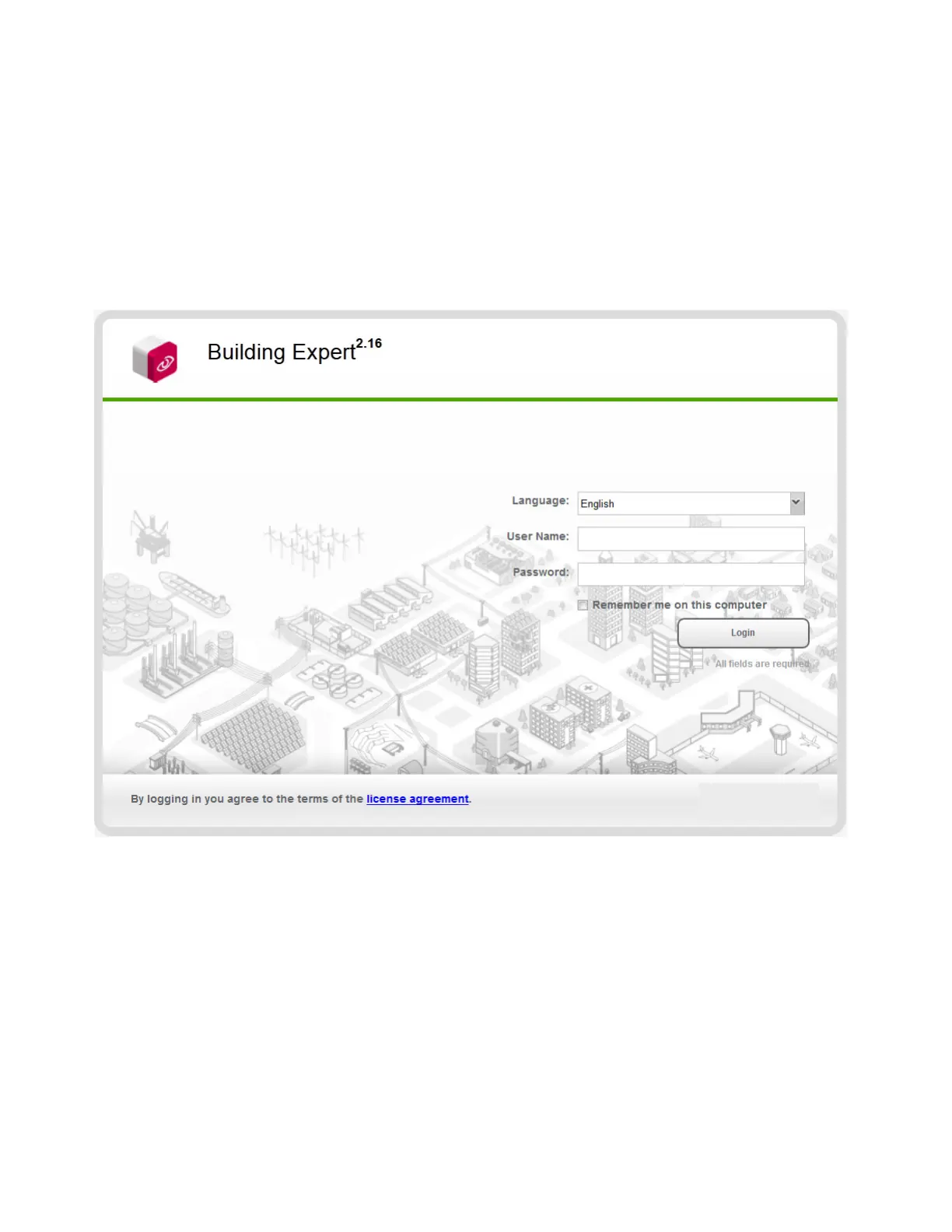
1. Open Browser and enter 10.50.80.3 in address bar.
2. Select Language.
3. Enter User Name (default ‘admin’).
4. Enter Password (default ‘admin’).
5. Click Login.
NOTE: For Building Expert version 2.14 and higher, you must the user name and password in the browser before you get to
building expert. Then Building Expert loads again and prompts you to enter a new password.



 To Next Page