5
Viconics Technologies
028-0465-00 October 2015
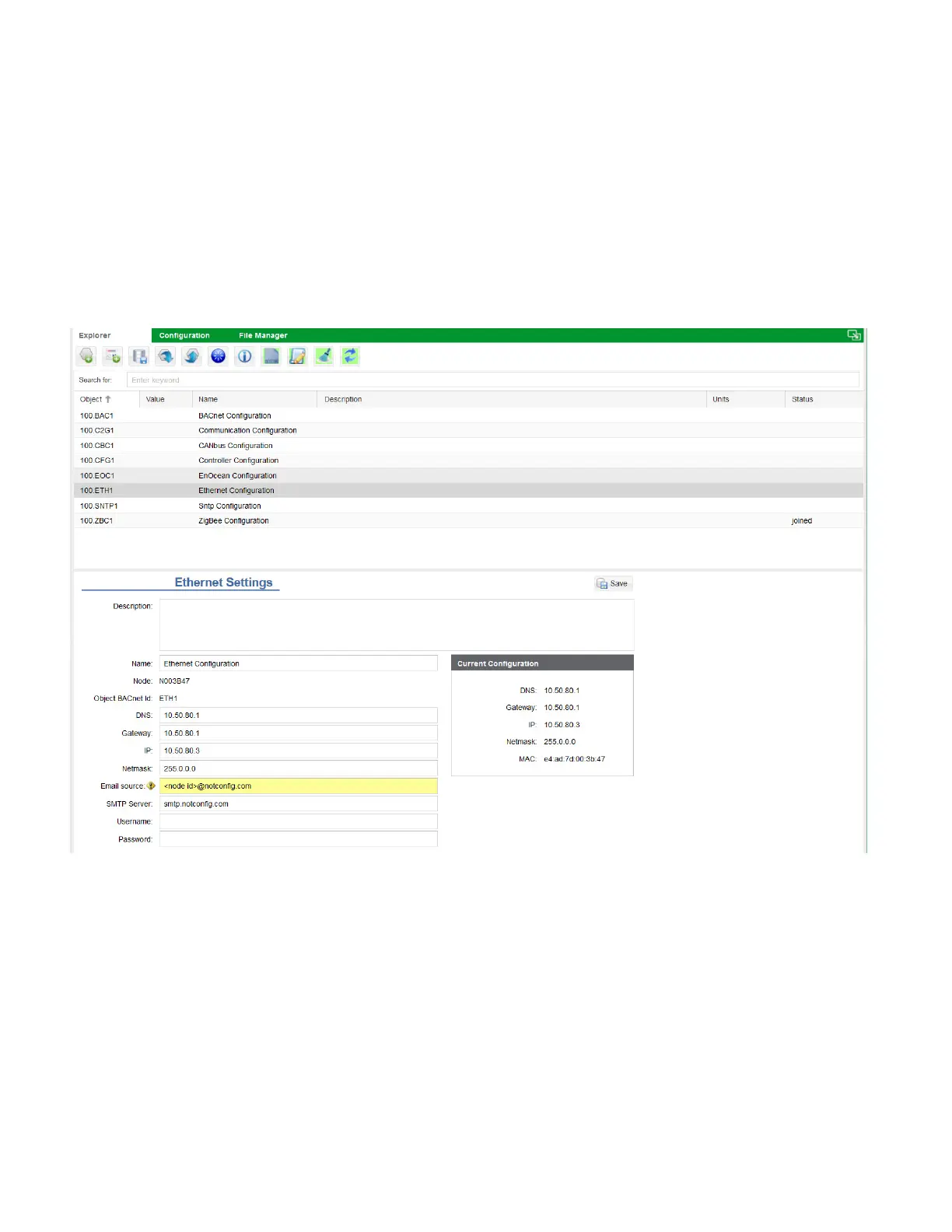
Ethernet Settings
This procedure shows you how to change the IP address on the GW2.
1. In Explorer tab, select Ethernet Configuration Object.
2. In DNS field, enter DNS for GW2.
3. In Gateway field, enter Gateway for GW2.
4. In IP field, enter IP for GW2.
5. In Netmask field, enter Netmask.
6. Click Save.
NOTE: if the GW2s IP address changed, you must log back in to Building Expert using the new GW2 IP address. Also, you
may have to change the IP address on your PC to match the new subnet of the GW2.



 To Next Page