Lesson 3: Addition
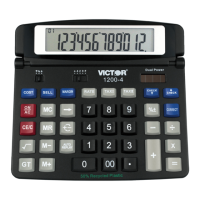
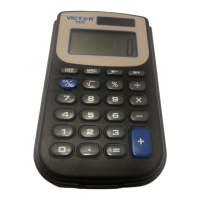
Victor 900 Calculator Teacher’s Guide
9
TEACHER’S GUIDE
Lesson 3: Addition
Overview Use the calculator to add numbers.
Teacher Materials “Addition” and “Correcting Wrong Entries”
transparencies.
Student Materials Pencil, Calculator, and “Calculator Connections”
worksheet.
Keys Introduced +, CE
Teaching Notes Display the “Addition” transparency. Ask the students
to press the buttons as illustrated.
Display the “Correcting Wrong Entries” transparency.
Ask the students to press the buttons as illustrated.
The “Calculator Connections” worksheet provides
additional practice. Ask students to solve each
addition problem with the calculator and connect the
box with the correct answer by drawing a line.


 To Next Page