BASIC FEATURES
13
Play My Videos?
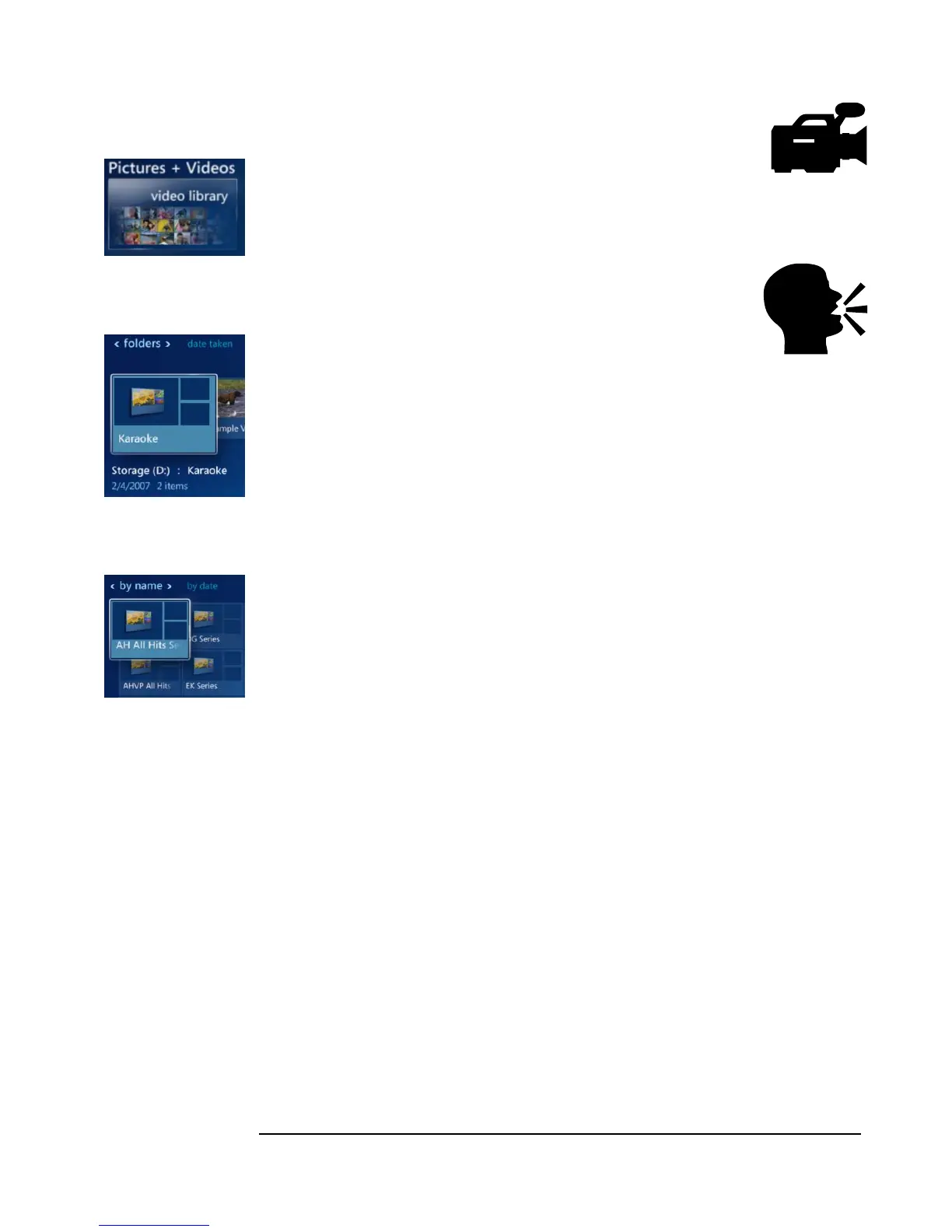
1. Select Pictures + Videos, then highlight Video Library. Hit OK on the remote.
2. Using the arrow keys, navigate through the folders and select which video you
want to play, then hit OK.
Sing Karaoke Songs?
Note: You must have purchased the optional built-in/preinstalled karaoke when
you first ordered the VidaBox. Otherwise, you can sing karaoke with
conventional CD+G discs.
1. First, find the song that you want to sing using the included songbook. Note the
album number and song number.
2. Then, using your remote, select Pictures + Videos, highlight Video Library, then
hit OK on the remote.
3. Select Karaoke, and hit OK again.
4. Using the arrow keys, select which karaoke album you wish to play from by
number, and then select the song.
My Videos Option
Karaoke Videos
Folder
Karaoke Album
Folders



 To Next Page