EasyManua.ls Logo

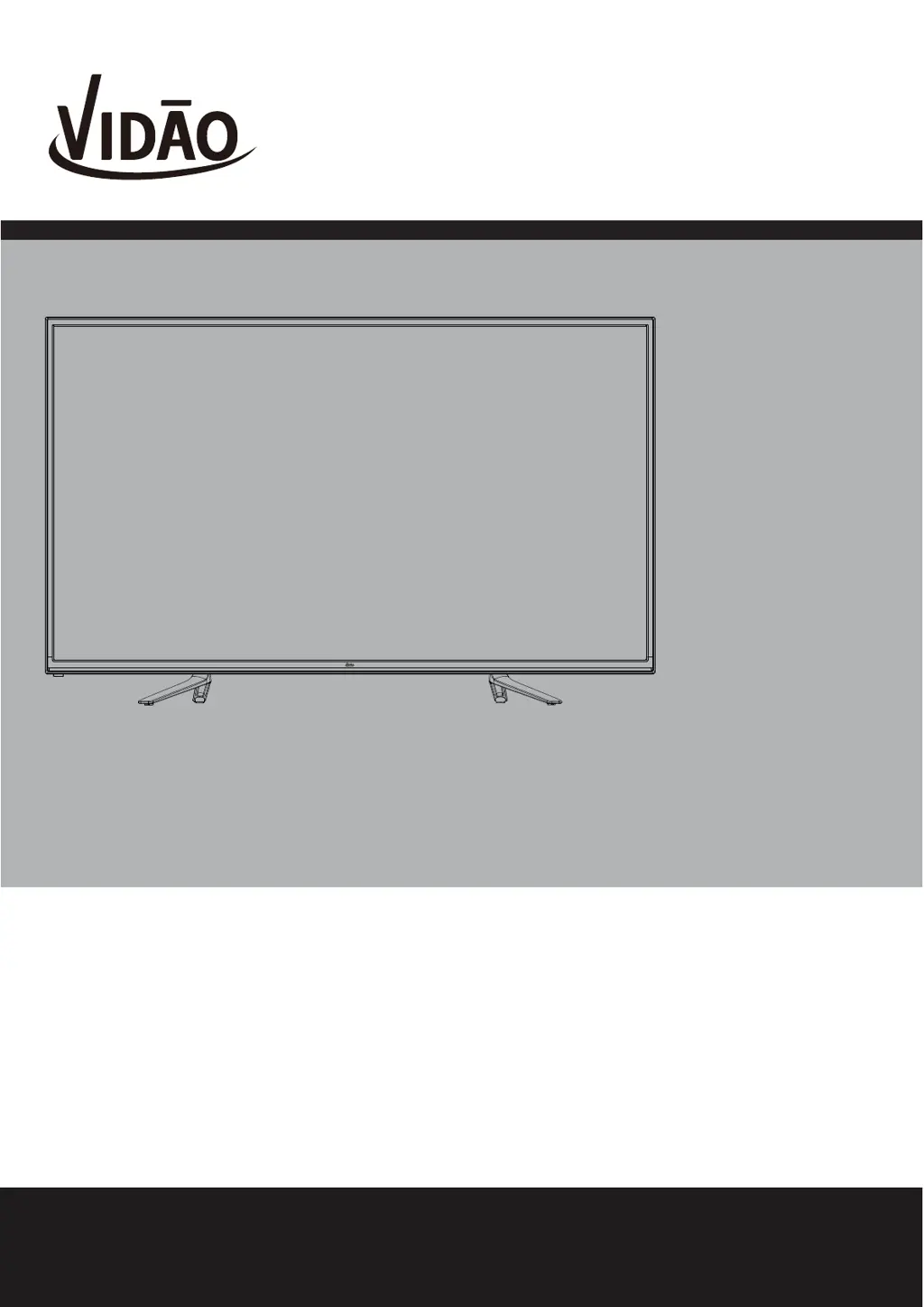
Vidao 55V40UHD - User Manual

Default Icon
36 pages
Print Icon
To Next Page IconTo Next Page
Loading...
USER’S MANUAL
55V40UHD
Ver 1.0
For technical assistance or troubleshooting
please call 1-855-998-4326 or visit www.sibrandssupport.com
55” 4K ULTRA HD TELEVISION
Use a VIDĀO HDMI Cable for the Best Possible Video & Sound

Questions and Answers

  • K
    Keith ScottAug 12, 2025
    Why is my Vidao UHD TV remote control not working?
    • L
      lindsey64Aug 12, 2025
      If your Vidao UHD TV remote control isn't working, try replacing the batteries with new ones, ensuring the battery polarity is correct, and point the remote directly at the TV’s IR receiver.
  • J
    jason76Aug 16, 2025
    How to fix no sound on Vidao 55V40UHD UHD TV?
    • D
      Devon ThomasAug 16, 2025
      If your Vidao UHD TV has no sound, ensure that the connected audio cables are completely inserted. Also, check if the mute function is enabled and, if so, press the mute button on the remote.
  • M
    Michael OrtizAug 20, 2025
    What to do if my Vidao UHD TV has no picture?
    • C
      changerinAug 20, 2025
      If your Vidao UHD TV has no picture, try switching to another channel as the digital TV channel signal may be weak. Press the INPUT button to verify the desired input is selected and re-connect the antenna or cable wiring.
  • T
    Tiffany MartinezAug 23, 2025
    How to remove black box on Vidao UHD TV screen?
    • J
      Joshua WardAug 23, 2025
      If your Vidao UHD TV displays a black box on the screen, it means that the 'Text' option is enabled, but no text is available. Press the CCD button on the remote control to turn it off.
  • E
    Emily RichardsAug 27, 2025
    How to unblock channels on Vidao 55V40UHD UHD TV?
    • S
      saravegaAug 27, 2025
      If your Vidao UHD TV is blocked on certain channels, perform a Channel Scan to add channels into the TV tuner memory. Also, check whether the channel was deleted or check parental control settings.
  • D
    debra24Aug 31, 2025
    How to fix video noise on Vidao 55V40UHD?
    • D
      Douglas JacksonAug 31, 2025
      If you are experiencing video noise or a choppy picture on your Vidao UHD TV, try readjusting the antenna and keep the TV away from noise sources, such as neon lights and microwave appliances.
  • H
    hoffmancandaceSep 4, 2025
    Why can't my Vidao UHD TV receive certain channels?
    • M
      marklopezSep 4, 2025
      If you cannot receive certain channels through the antenna on your Vidao UHD TV, perform a Channel Scan to add channels into the TV tuner memory, readjust your antenna and retry Auto Channel Scan. Also, the signal from the TV station may be weak in your area.
  • E
    edward34Sep 7, 2025
    Why can't I use certain functions on my Vidao 55V40UHD UHD TV?
    • K
      Kelly HughesSep 7, 2025
      If you cannot use certain functions on your Vidao UHD TV, it may be because the item chosen in a menu is shown in gray text, indicating that it cannot be selected in the current input.

Summary

Safety Instructions

General Safety and Usage Precautions

General guidelines for safe operation, cleaning, placement, and servicing.

Fire, Shock, and Environmental Hazard Warnings

Warnings about water, moisture, liquids, outdoor use, and heat.

Electrical Safety and Grounding

Instructions on cleaning, water, stand, ventilation, power sources, cord protection, and lightning.

Equipment Handling, Servicing, and Regulatory Information

Guidance on grounding, overloading, servicing, replacement parts, FCC compliance, and disclaimers.

Getting Started

Introduction and Package Contents

Overview of the manual and a list of included items.

Installing the TV Base

Step-by-step guide to attach the TV stand.

Remote Control Setup and Operation

Instructions for battery installation, usage, and button identification.

Installation and Connectivity

Connecting External Devices via HDMI

How to connect devices using HDMI cables for digital signals.

Component and Composite Video Connections

Instructions for connecting via component and composite video/audio.

Antenna, Cable, and Satellite Connections

Guidance for connecting broadcast reception sources.

Home Theater Audio System Integration

How to integrate the TV with audio receivers and amplifiers.

TV Setup and Basic Configuration

Initial Setup Wizard

Step-by-step process for initial language, time, and channel setup.

Picture and Audio Settings

Picture Settings Adjustment

Adjusts brightness, contrast, color, sharpness, and temperature.

Audio Settings Configuration

Configures sound modes, bass, treble, balance, and audio output.

System, Channel, and Advanced Settings

Date, Time, and System Setup

Manages time settings, language, OSD, and factory defaults.

Closed Caption and Parental Controls

Customizes caption display and blocks content based on ratings.

CEC Control and Channel Management

Manages HDMI device control, channel lists, and auto scan.

Special Features and Modes

Aspect Ratio Modes

Options for adjusting the screen display aspect ratio.

USB Media Playback

How to view photos and listen to music from USB devices.

MHL Mobile Device Connection

Connects MHL-enabled smartphones or tablets to display on the TV.

Specifications and Support

Product Specifications

Technical details, dimensions, and capabilities of the television.

Troubleshooting Common Issues

Solutions for common TV problems and error symptoms.

Limited One-Year Television Warranty

Details the warranty coverage, terms, and technical support contact.

Vidao 55V40UHD Specifications

General IconGeneral
Resolution3840 x 2160 (4K UHD)
Smart TVYes
Display TechnologyLED
Refresh Rate60 Hz
HDMI Ports3
USB Ports2
BluetoothYes
Screen Size55 inches
HDRHDR10
Wi-FiYes

Related product manuals