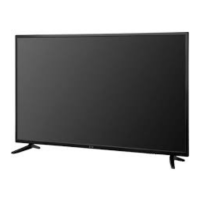
FRONT
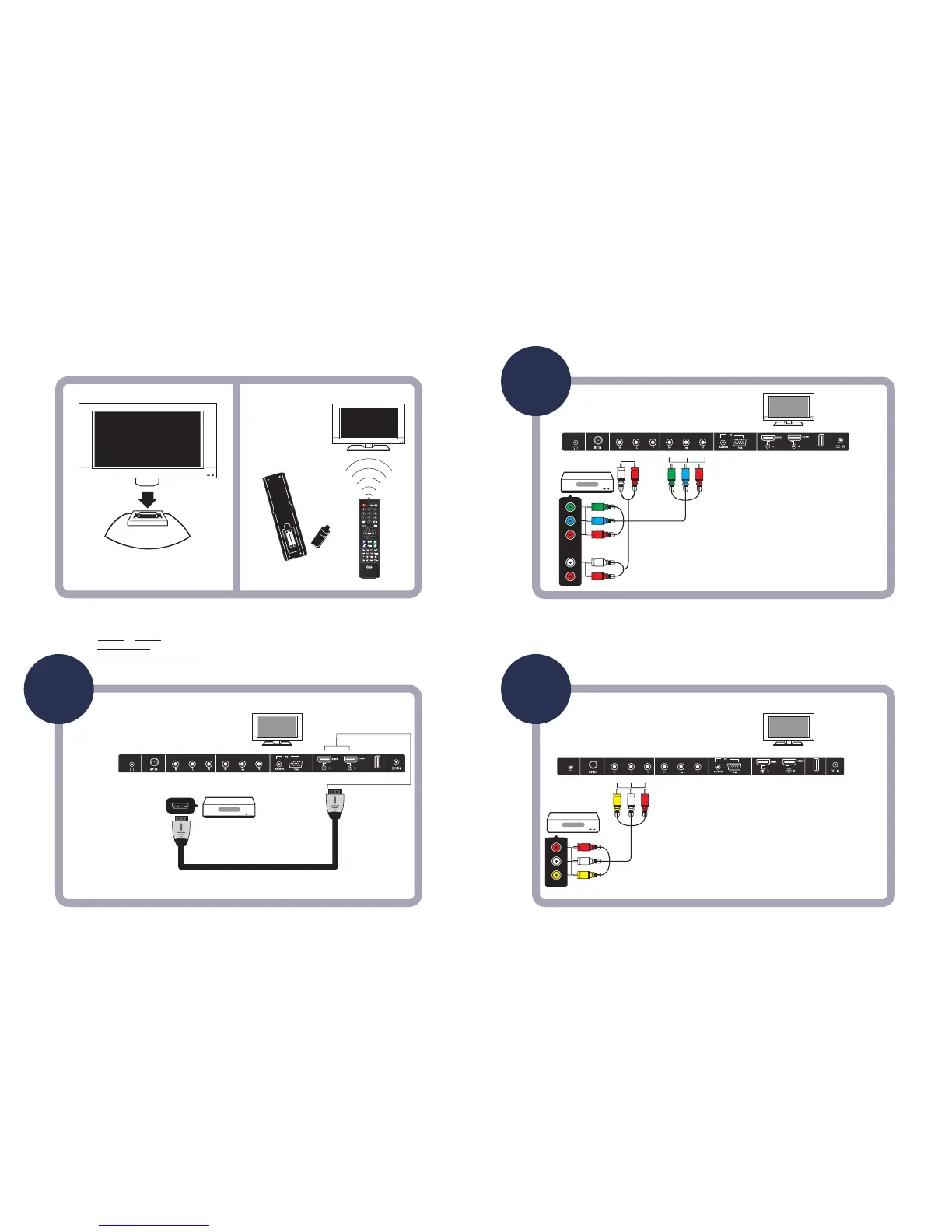
Stand Receiver shape may differ, but stands assemble the same.
Use the enclosed screws to secure the stand.
To operate this TV using the remote control provided by your Cable / Satellite
provider, follow the programming instrucons included with the providers’
remote control and input the following codes when prompted;
-For Comcast or DirecTV remote controls, input the code- 10030.
-For AT&T ( U-verse ) remote Controls, input the code- 1043.
-For RCA Universal Remote Controls, input the code- 0030.
EXIT
INPUT
-
LAST
MUTE
ENTER
SLEEP
RETURNAUDIO MTS CCD
REP CH.LIST
GUIDE FAV FREEZE ASPECT
PICTURE
TEMP
DISPLAY
AUDIO OUT
USB
AUDIO OUT
USB
AUDIO OUT
USB


 To Previous Page