EasyManua.ls Logo

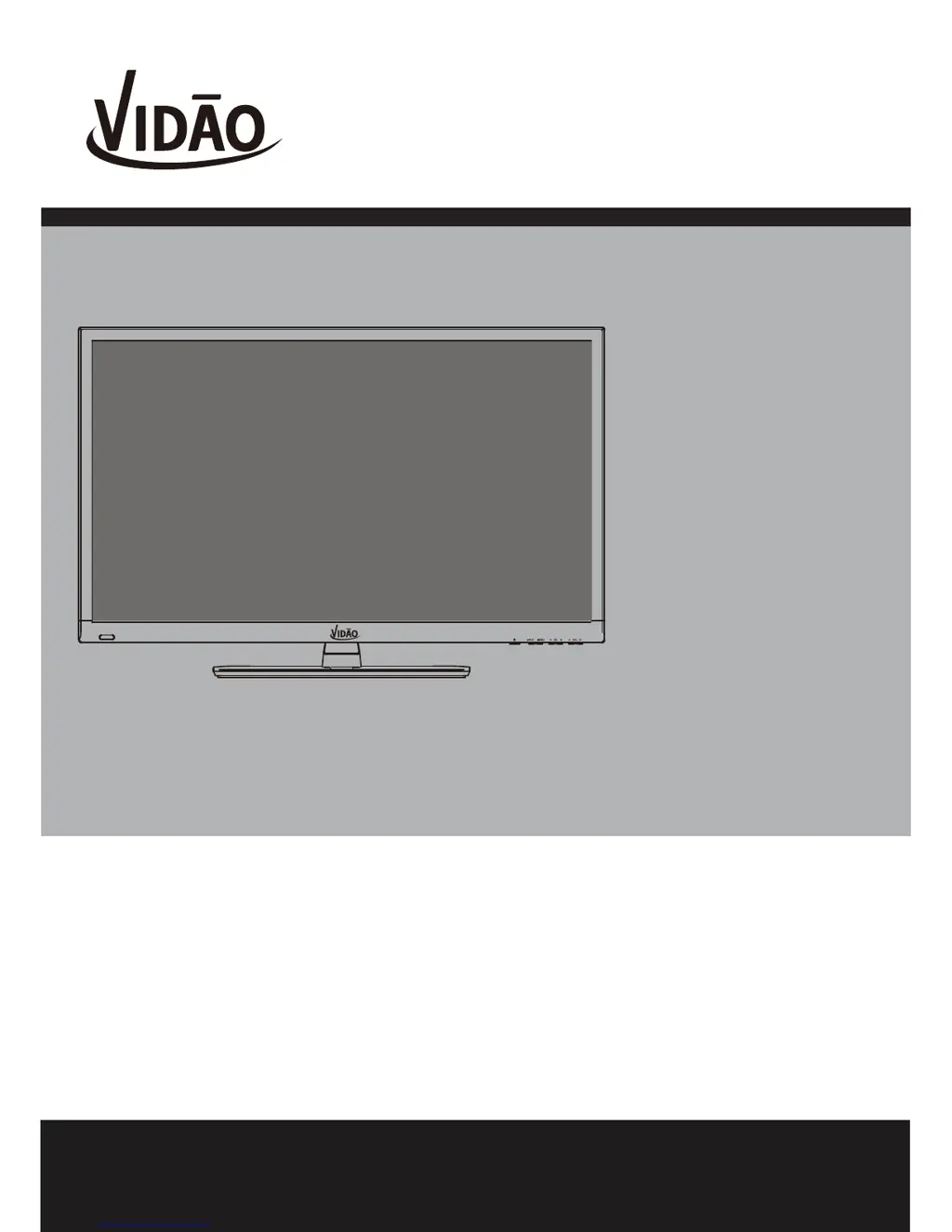
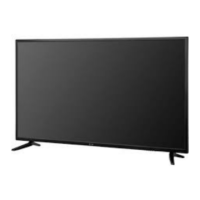
Vidao 55V800R - User Manual

Vidao 55V800R
38 pages
Print Icon
To Next Page IconTo Next Page
Loading...
USER’S MANUAL
55” LED TELEVISION
55V800R
Ver 1.2
For technical assistance or troubleshooting
please call 1-855-998-4326.

Questions and Answers

Summary

Important Safety Instructions

General Safety and Cleaning

Read, keep, heed, follow instructions, avoid water, clean with dry cloth.

Electrical and Installation Safety

Ensure proper plugs, protect cords, avoid heat, unplug during storms.

Usage and Servicing Precautions

Use specified accessories, avoid moisture, refer servicing to professionals.

Safety Instructions

Cleaning, Environment, and Stand

Clean with damp cloth, avoid moisture, place on sturdy surface.

Ventilation and Power Safety

Ensure ventilation, use correct power sources, protect cord.

Lightning Protection

Unplug during lightning storms to prevent damage.

Servicing and Damage Requiring Service

Refer servicing to qualified technicians; unplug if damaged.

Installing the Base

Rear Panel

Installation

Connection to Component YPbPr Input

Connection to Composite Input

Connection to Antenna & Cable;Satellite Box

Connection to a Personal Computer

Connection to a Home Theater System

TV Setup

Menu Adjustments

Audio Settings

PC Menu Adjustments

CEC Settings

USA Parental Control

Parental Control (Canada)

Channel Settings

TV Provider Changes & Channel Auto Scan

Troubleshooting

Summary

Important Safety Instructions

General Safety and Cleaning

Read, keep, heed, follow instructions, avoid water, clean with dry cloth.

Electrical and Installation Safety

Ensure proper plugs, protect cords, avoid heat, unplug during storms.

Usage and Servicing Precautions

Use specified accessories, avoid moisture, refer servicing to professionals.

Safety Instructions

Cleaning, Environment, and Stand

Clean with damp cloth, avoid moisture, place on sturdy surface.

Ventilation and Power Safety

Ensure ventilation, use correct power sources, protect cord.

Lightning Protection

Unplug during lightning storms to prevent damage.

Servicing and Damage Requiring Service

Refer servicing to qualified technicians; unplug if damaged.

Installing the Base

Rear Panel

Installation

Connection to Component YPbPr Input

Connection to Composite Input

Connection to Antenna & Cable;Satellite Box

Connection to a Personal Computer

Connection to a Home Theater System

TV Setup

Menu Adjustments

Audio Settings

PC Menu Adjustments

CEC Settings

USA Parental Control

Parental Control (Canada)

Channel Settings

TV Provider Changes & Channel Auto Scan

Troubleshooting

Vidao 55V800R Specifications

General IconGeneral
Display Size55 inches
Resolution3840 x 2160 (4K UHD)
Smart TVYes
Refresh Rate60 Hz
HDMI Ports3
USB Ports2
BluetoothYes
Display TechnologyLED
Wi-FiYes

Related product manuals