3. Getting Started
3.1. Packing Contents
Before using VIDEOCON V1402 mobile phone,
carefully remove the contents from the shipping
carton and check for any damages or missing
contents. Incase you find any, contact your
Authorized Distributor or shipping agent immediately.
The standard packing contents are as follows:
• Base Trans-receiver
• Battery
• Charger
• Hands free Kit
• User Manual
• Service Guide
3.2. Installing SIM, Battery and
Attaching other Accessories
SIM Card, Memory Card & Battery
Installation
Always turn off the phone and detach the charger
when you insert or remove a SIM card or battery
from the phone.
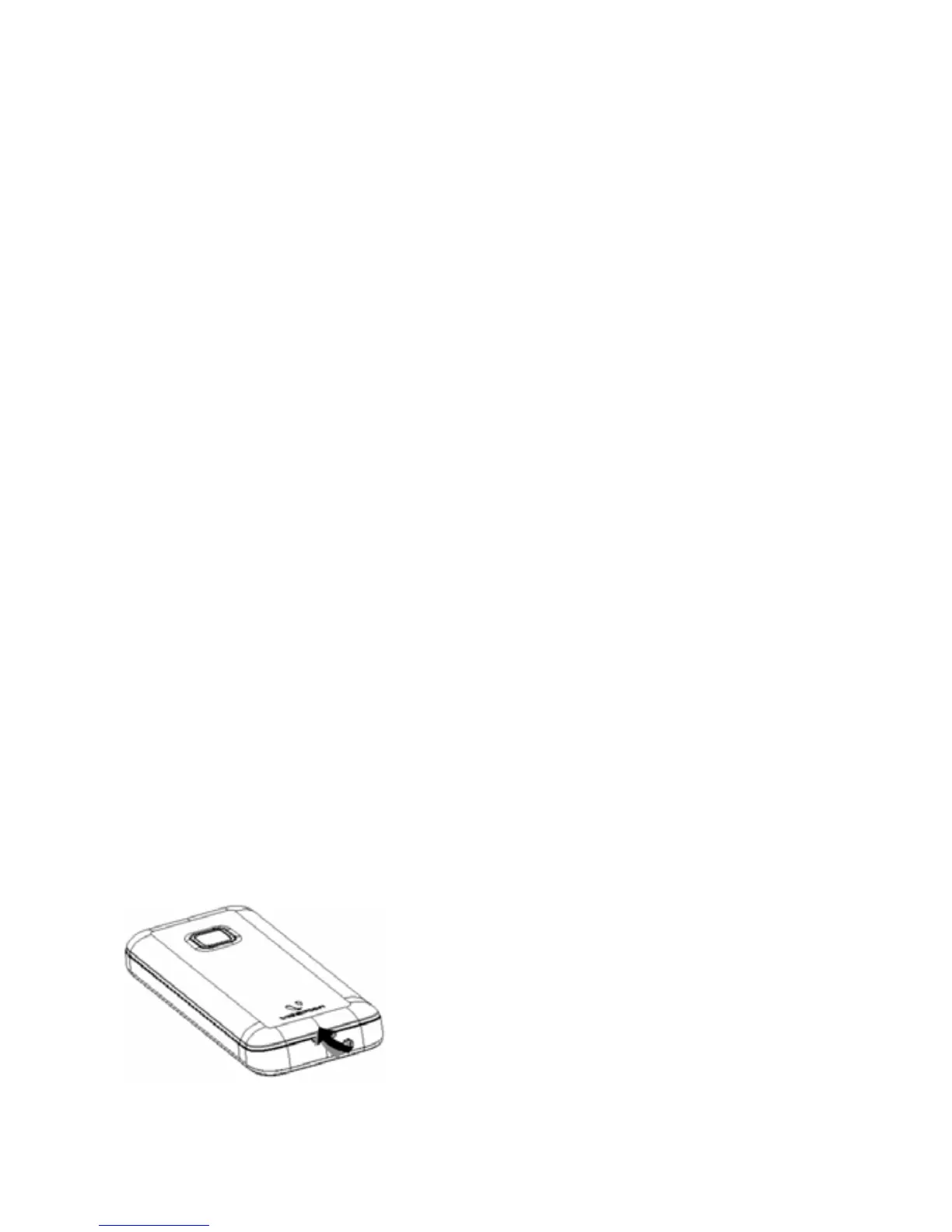
1. Lift the battery cover
up to open as shown in
figure.
4



 To Next Page