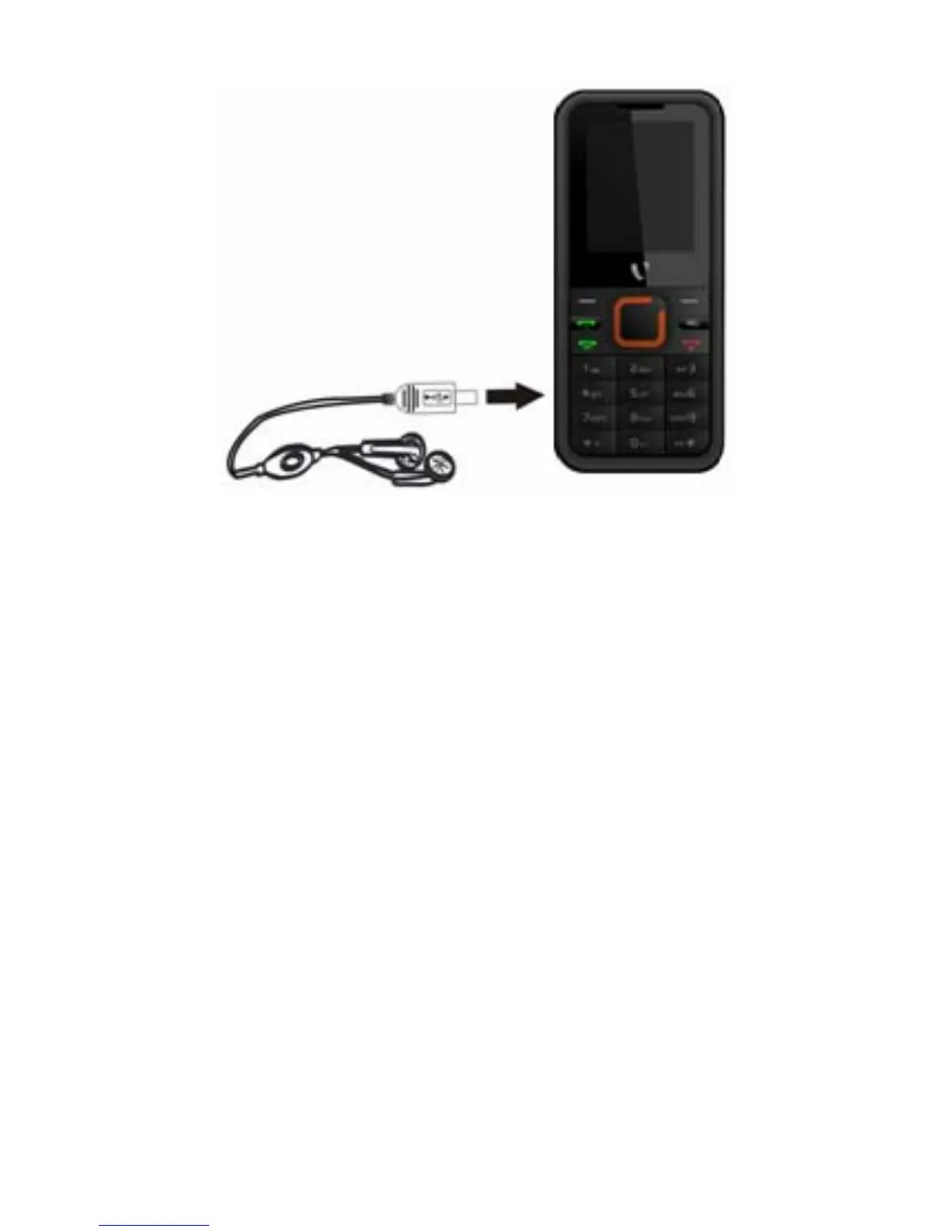
Figure-2
Connecting the charger/Charging the
Battery (Ref Figure 3)
1. Plug the charger’s transformer into a
standard AC outlet.
2. Insert the charger’s output plug into the
phone’s connecting socket as shown in
figure-4.
NOTE: The battery icon/charging icon would appear
on the screen while charging.
7



 To Next Page