9
INSTALL SHEET
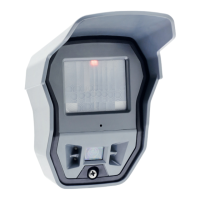
OMV OUTDOOR MOTION VIEWER
MULTI
PURPOSE 90°
EXAMPLE OF MODIFICATION OF
THE DETECTION RANGE
OMV611 / Mounting height= 3.5m /
Tilt angle= 10°
MINIMAL SENSITIVITY detector_name$2 Approx. -30%
LOW SENSITIVITY detector_name$1 Approx. -20%
DEFAULT SENSITIV IT Y
(see table on page 3)
detector_name$0
or detector_name
29ft
HIGH SENSITIVITY detector_name$8 Approx. +15%
Sensitivity adjustment
The OMV detector comes with the capability of adjusting the sensitivity level of the PIR. It can improve the
detection or, on the contrary, reduce false alarms. Raising sensitivity will raise detection range, the detection
field will be larger and smaller thermal signatures will be detected. You should only use this feature when the
site has been diagnosed as needing this adjustment. It cannot be used to optimize detection as the adjustment
may be too high and generate either false alarms or missed intrusions.
Examples : Plant growth, pets.
Please note that the detector must be installed to prevent intrusions (aim the detector towards an access
point), sensitivity adjustment will have no effect if the installation doesn’t comply with the installation
recommendations described in this document.
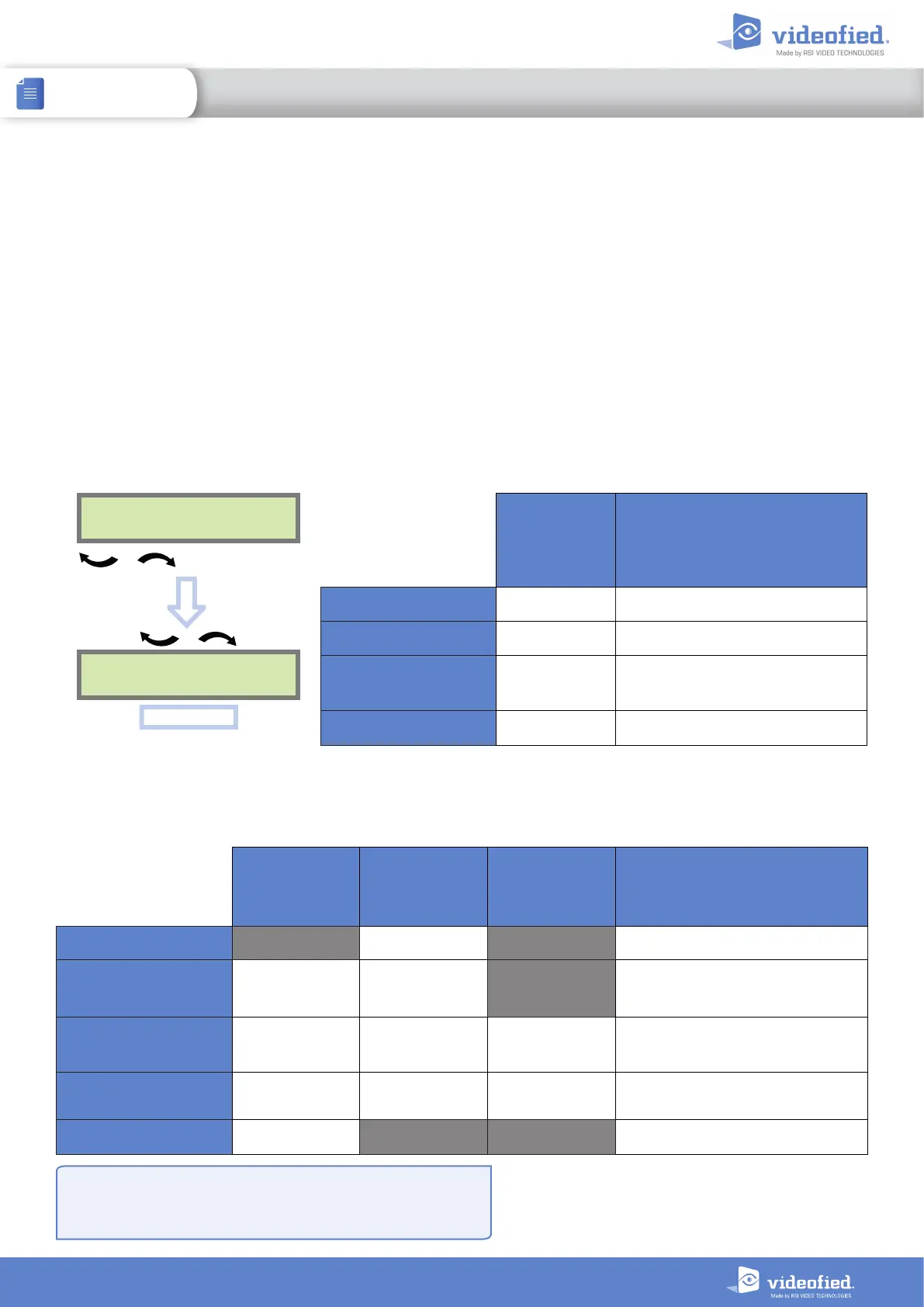
Adjust sensitivity for the OMV MotionViewer
To change the OMV sensitivity, you need to change the
detector name:
DEVICE
CONFIGURATION
CHANGE NAME
DEVICE
OK or YES
To select the OMV
OK or YES
Enter the detector name then enter
the $ symbol at the end and the
chosen digit (without space). The
number following $ will depend on
the necessary adjustment.
CURTAIN PET-IMMUNE BEAM
EXAMPLE OF MODIFICATION OF
THE DETECTION RANGE
OMV611 / Mounting height= 3.5m /
Tilt angle= 10°
MINIMAL SENSITIVITY detector_name$1 Approx. -30%
LOW SENSITIVITY detector_name$2
detector_name$0
or detector_name
Approx. -20%
DEFAULT SENSITIV IT Y
(see table on page 3)
detector_name$1 detector_name$8 detector_name$2 29ft
HIGH SENSITIVITY
detector_name$0
or detector_name
detector_name$9
detector_name$0
or detector_name
Approx. +15%
MAXIMAL SENSITIVITY detector_name$8 Approx. +25%
$ Symbol
CMA keypad : Press @ repeatedly until $ is displayed
XMA/XMB keypad : Press 1
repeatedly until $ is displayed
Announced performances depend on local conditions
and detected target. In any case, the detection range
has to be checked with the FUNCTIONAL DEVICE
TEST available from the MAINTENANCE menu


 To Next Page