Rev AA Manage Logos 5-63
Videojet 1710 Operator Manual
Press the Enter key to set the position and size of the block. The outer line of the
block disappears from the screen.
Set Cursor
The cursor returns to a single pixel mode instead of a block.
Delete Block
Deletes any text or graphics within the area of the block.
Copy Block
This function copies any text or graphics within the area of the block and saves the
information to the clip board.
Paste Block
Inserts the contents of the clip board at the cursor position.
Select Font
Selects the height of the font for use when you combine the text with a logo.
Press the F1 key to select the option Select Font.
Insert User Field
Allows the user to combine a user field with a logo.
Press the F2 key to select the option Insert User Field.
Set Keyboard Type
Displays the languages available for the keyboard. To select a keyboard type,
highlight and press the Enter key. The message is edited now using the selected
keyboard type.
Save
Saves the logo to the memory and the program remains in the Logo editor screen.
Save and Exit
Saves the logo in the memory and returns to the previous screen. Press Shift + F1
to select the option of Save and Exit.
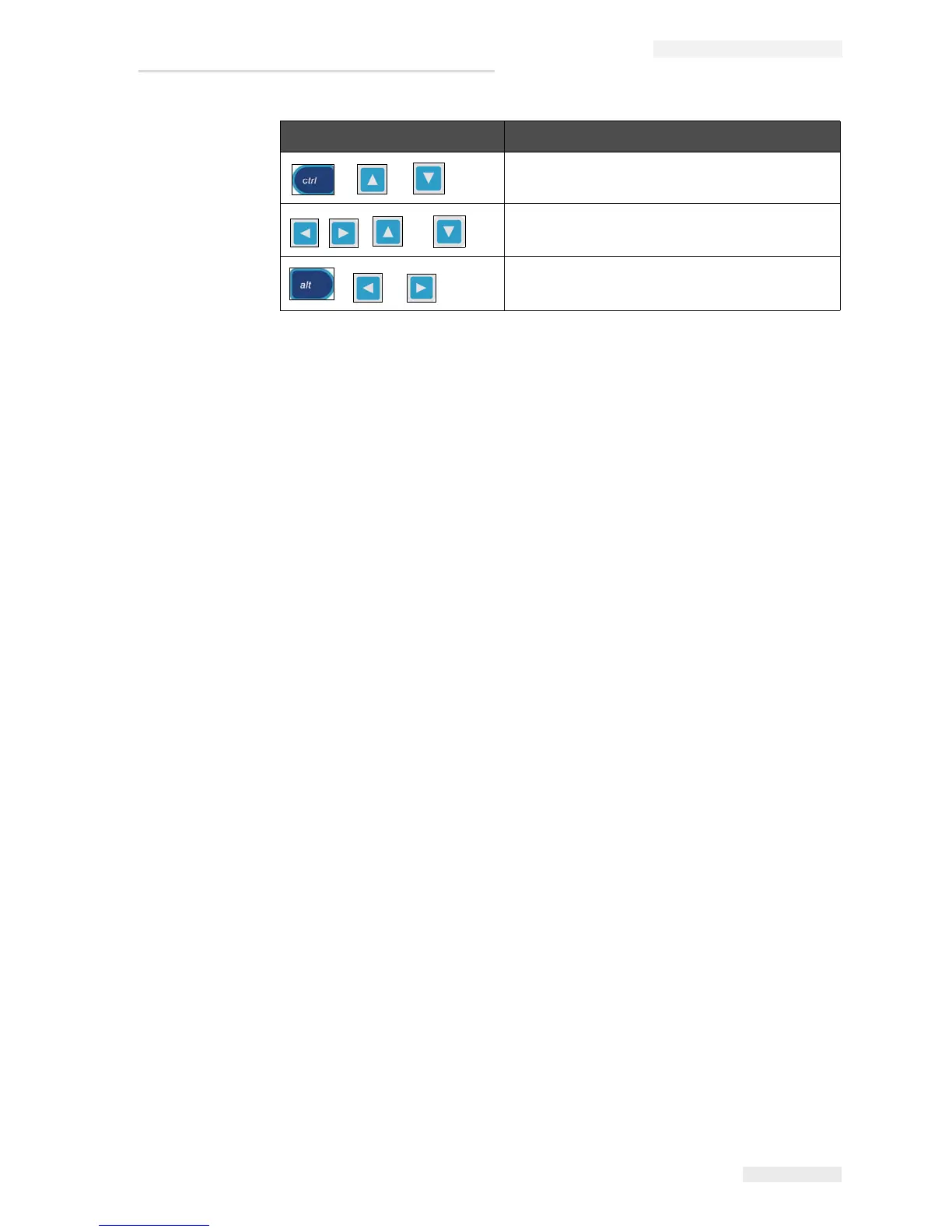
+ or
Move the bottom edge.
, , or
Move the whole block by one dot at a time.
+ or
Move the whole block by ten dots at a time.
Keys Setting
Table 5-19: Set Block (Continued)



 To Next Page