3-10 Ink Compartment Rev AA
Videojet 1710 Operator Manual
When an ink mix sequence is due, the software prompts the user and a countdown
timer appears to allow the user to either postpone the mix sequence or run it.This
message continues to appear every 5 minutes until allowed to run.
Note: During mixing, the ink system will perform a number of fluid mix steps.
Types of Ink Mixing Sequences
There are two types of ink mixing sequence.
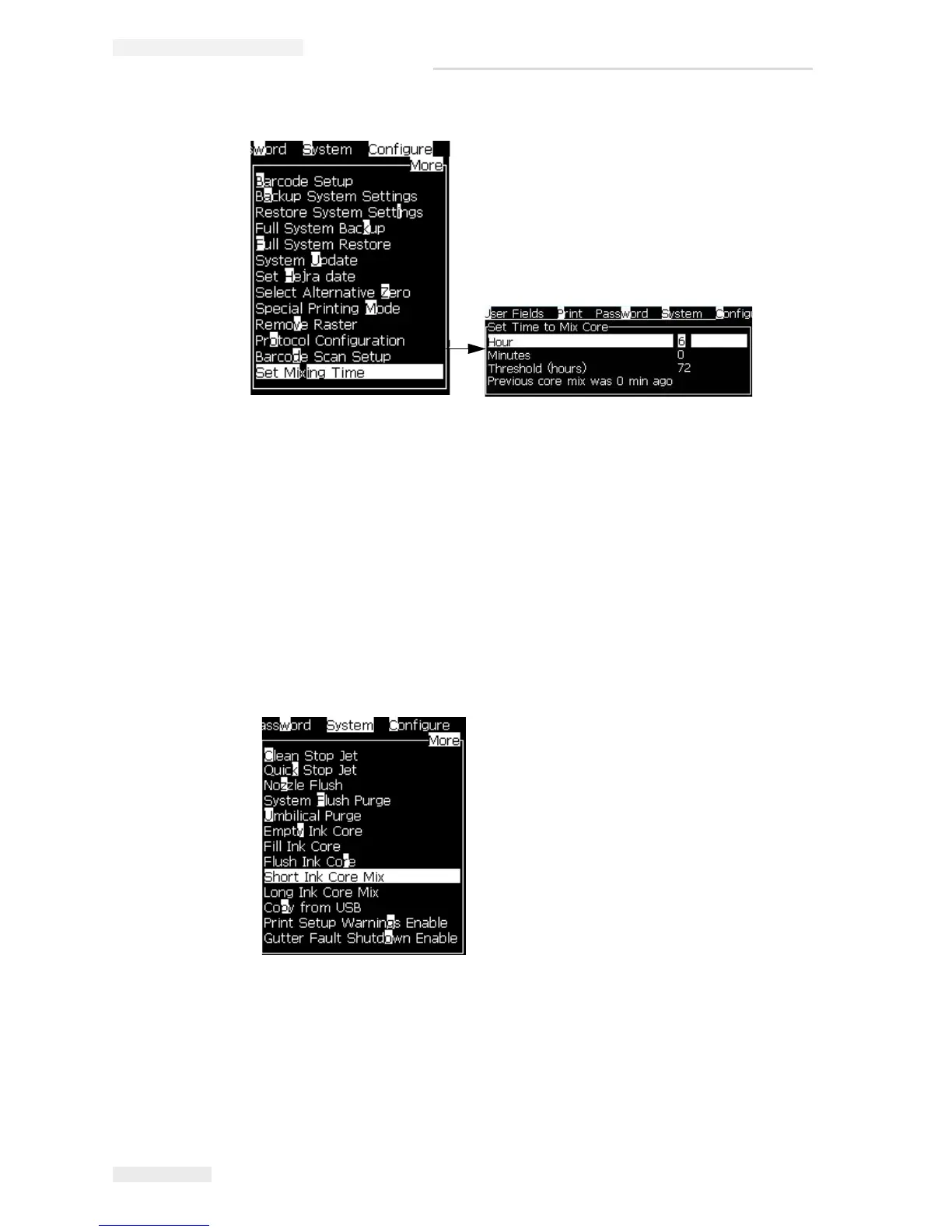
• Short Ink Core Mix (9 minutes)
• Long Ink Core Mix (17 minutes)
The ink core mix is scheduled to run every 24 hours for 9 minutes (Short Ink Core
Mix). If the ink core mix is not run for a period of time called ‘threshold’, then the
ink mix will run for 17 minutes (Long Ink Core Mix) when available.The default
threshold period is ‘three’ days (72 hours).
Figure 3-9: Set Mixing Time Option
Figure 3-10: Ink Core Mix Sequences



 To Next Page