System Set-up
7-4
Introduction
This chapter describes how to set system and printing parameters.
Refer to the list below to view all the tasks covered in this chapter.
Refer to the page number listed to locate the specific procedure for
each task.
•
View and Reset the Print Count .................turn to page 7-5
•
View and Reset the Product Count.............turn to page 7-6
•
Select the Method of
Product Speed Matching.............................turn to page 7-7
•
Set the Internal Clock.................................turn to page 7-9
•
Build a Custom Character.........................turn to page 7-19
•
Enable or Disable the Ink Low
Alert Light Option ...................................turn to page 7-22
•
Set the Baud Rate .....................................turn to page 7-23
•
Set the Remote Mode for
External Message Receiving.....................turn to page 7-24
•
Set Auto Repeat........................................turn to page 7-25
•
Monitor Flow Time Settings.....................turn to page 7-27
•
Set Print Delay..........................................turn to page 7-28
•
Set Print Set–up Parameters .....................turn to page 7-30
Software Illustration Conventions
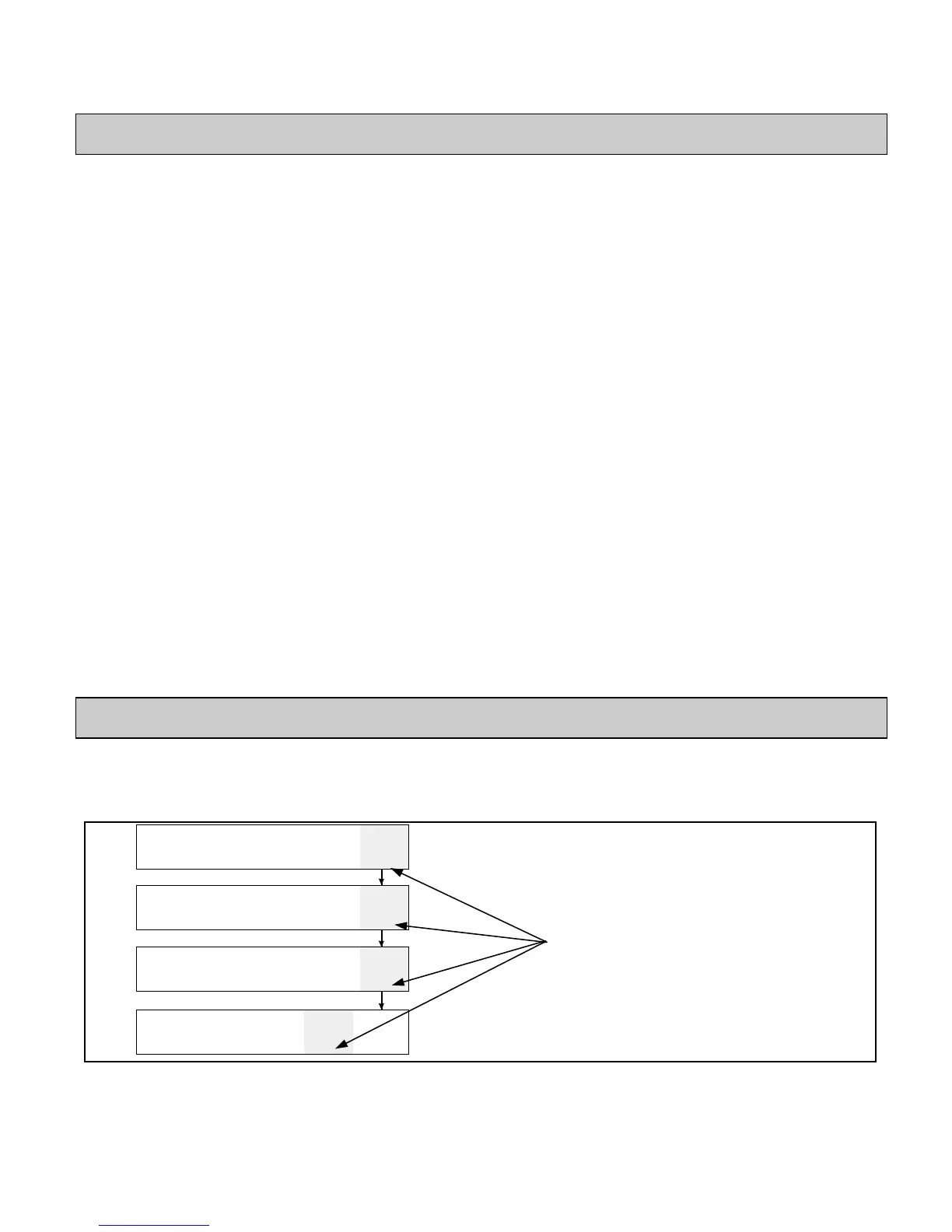
The illustration in Figure 7-1 shows how to use the software
illustrations provided for each procedure to find your way through
the software.
CLEAR
MESSAGE
VIEW
PRINT
PRINT
MESSAGE
01
EDIT
XXXX
PRINT
MATRIX
XXXX
CHAR.
SIZE
CHAR.
SET-UP
NSERTS
02
EDIT
RECALL
MESSAGE
STORE
MESSAGE
VIEW
STORE
PRINT
MESSAGE
03
EDIT
SERVICE
PRINTER
SYSTEM
SET-UP
PRINT
SET-UP
04
EDIT
Figure 7-1. Software Illustration Example
**xxxx - indicates differing values depending on your type of
printer.
The gray box indicates the
appropriate F key to press to
change from frame to frame
for a specific procedure.


 To Next Page
 Loading...