System Set-up
7-28
Set Print Delay
The print delay function is used to change the position of a printed
message on a product. The number you enter represents the
number of 1/100 inch units that are used to delay the message prior
to printing. The delay can be a maximum of 7500 units, which
equals 75 inches (7500 x 1/100” = 75 inches). Keep in mind that
each unit is 1/100 inch.
When Would You Use
Print Delay?
In certain applications, it is easier to enter a print delay to change
the position of a message than it is to change the product detect
set–up information, or to add spaces at the beginning of a
message.
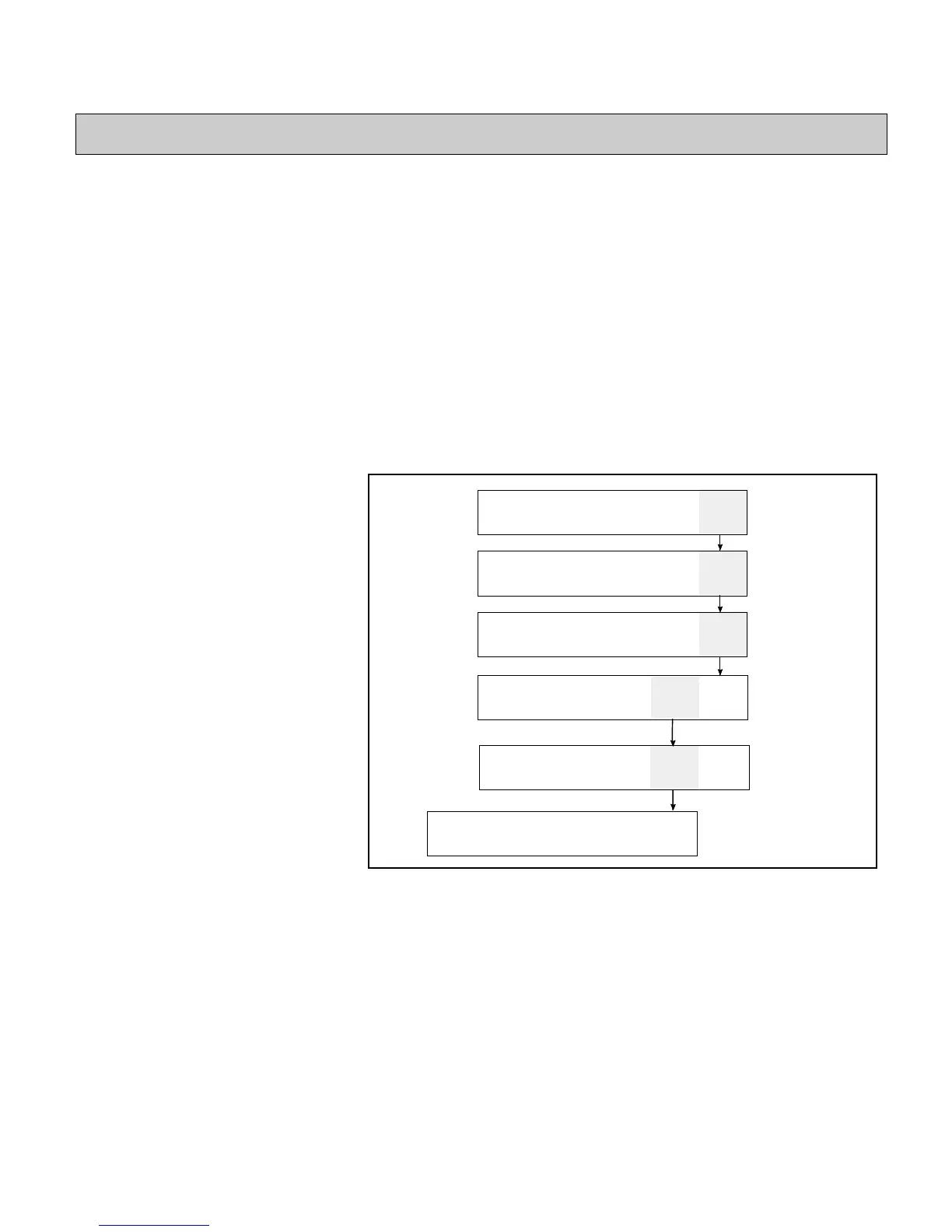
The print delay is set in Frame <01 PRINT>.
FINE
ADJUST
01
DELAY
COARSE
ADJUST
MESSAGE
HEIGHT
MESSAGE
WIDTH
PRINT
DELAY
01
PRINT
CLEAR
MESSAGE
VIEW
PRINT
PRINT
MESSAGE
01
EDIT
xxxx
PRINT
MATRIX
xxxx
CHAR.
SIZE
CHAR.
SET-UP
INSERTS
02
EDIT
RECALL
MESSAGE
STORE
MESSAGE
VIEW
STORE
PRINT
MESSAGE
03
EDIT
SERVICE
PRINTER
SYSTEM
SET-UP
PRINT
SET-UP
04
EDIT
Figure 7-19. Access Frame <01 PRINT>



 To Next Page