EXCEL 2000 Series Operator Manual
3-5
Keyboard Description
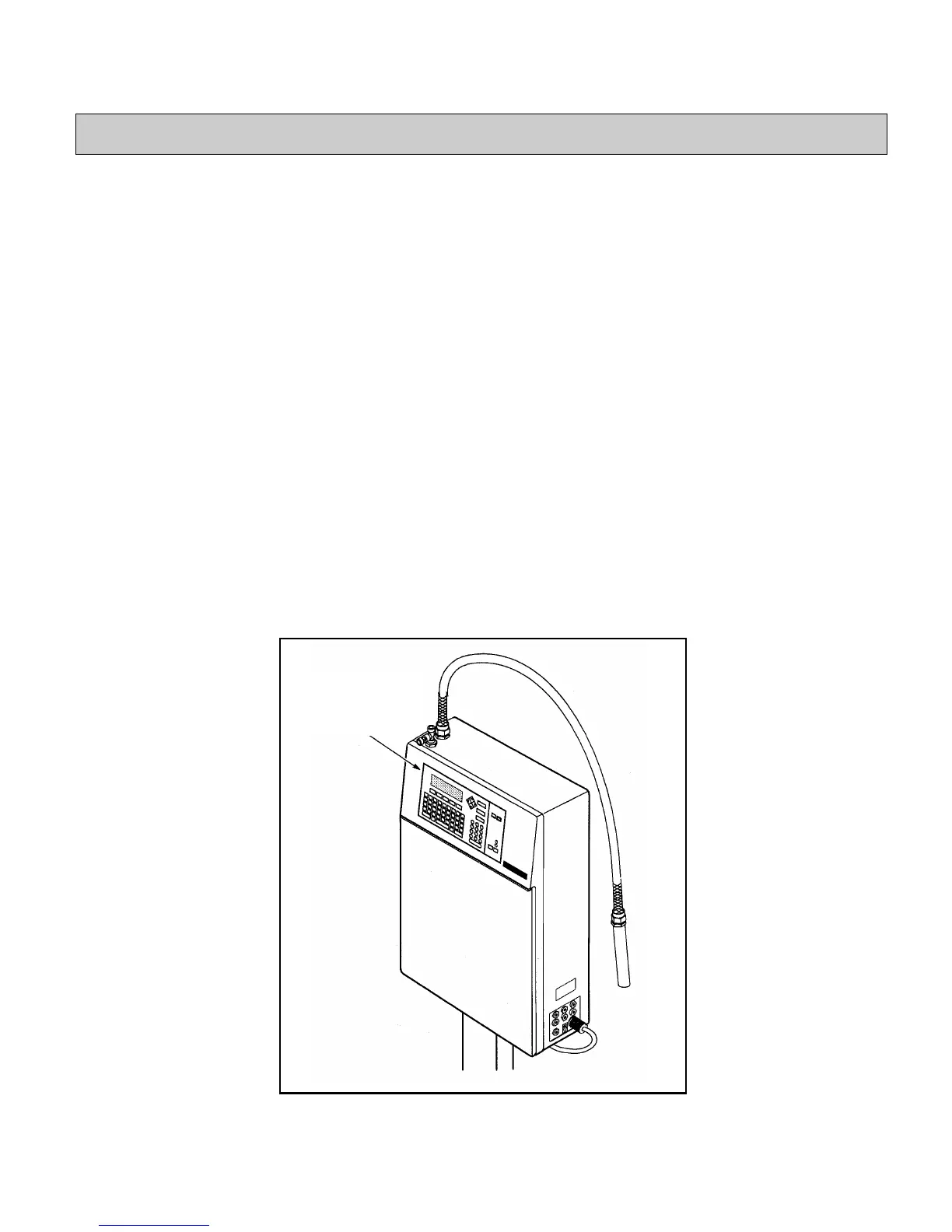
This section describes the keys on the keyboard. The keyboard is
located on the front of the printer cabinet. (Refer to Figure 3-1.)
The keyboard is organized into many sections, each of which
contains keys dedicated to perform a specific printer function.
(Refer to Figure 3-2)
The keyboard contains the following components:
•
Control Keys................................................turn to page 3-9
•
Display Screen ...........................................turn to page 3-17
•
Status Lights...............................................turn to page 3-19
•
Function Keys............................................turn to page 3-21
•
Arrow Keys................................................turn to page 3-23
•
Alpha Keypad ............................................turn to page 3-25
•
Numeric Keypad........................................turn to page 3-26
Figure 3-1.
9,'(2-(7
EXCEL 2000 Series Printer
Keyboard
(Refer to
Figure 3-2)


 To Next Page