EXCEL 2000 Series Operator Manual
3-11
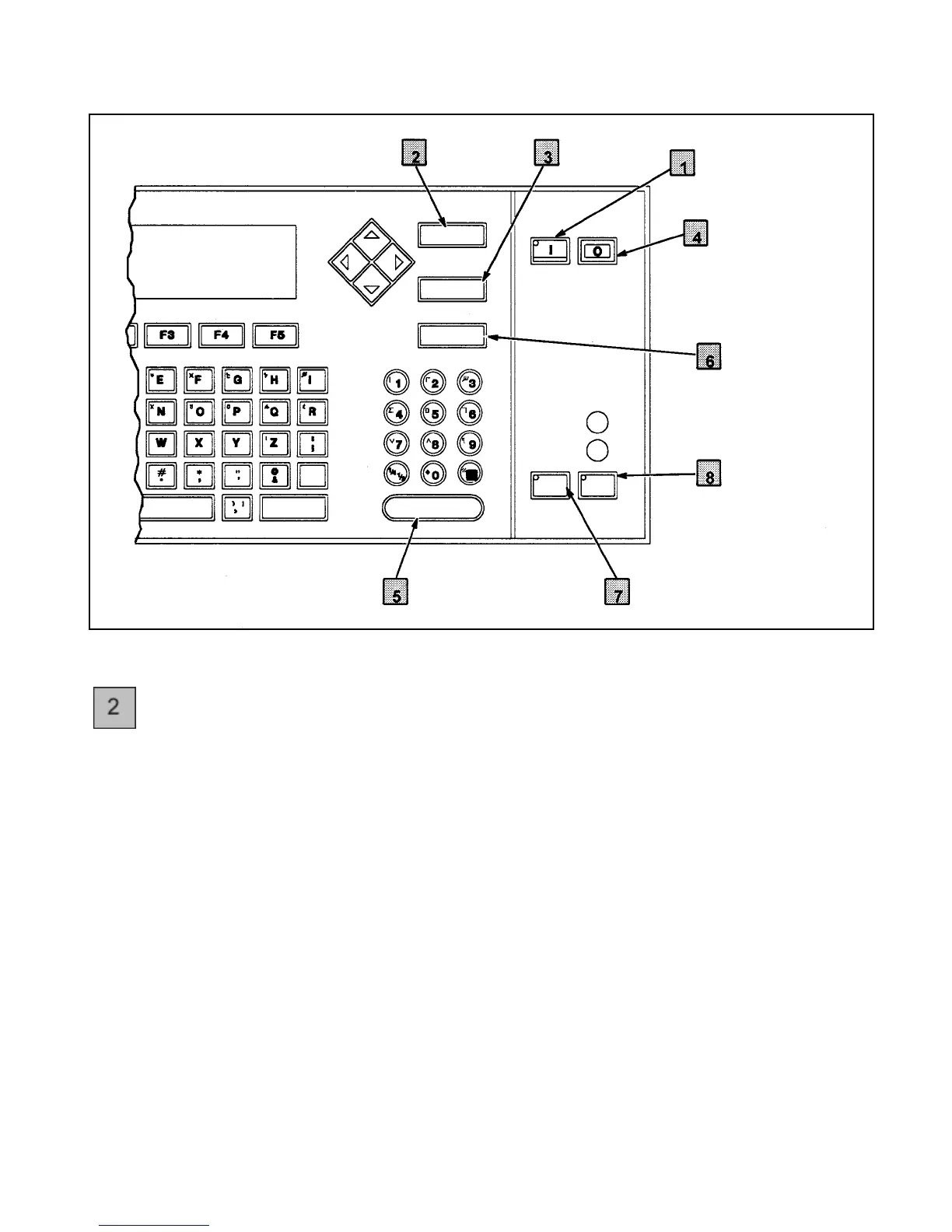
Figure 3-7. Control Keys on the Keyboard
CANCEL Key
The CANCEL key is used to:
•
cancel any changes to existing data. Pressing the CANCEL
key after you have made changes to specific data will cause
the printer to ignore the changes, and return to the
beginning of that software frame.
•
stop the printer shutdown sequence. Pressing the CANCEL
key while the printer is performing the four-minute
shutdown sequence will stop the shutdown sequence and
automatically begin the printer start-up sequence.
•
turn the optional ALERT light Off (if installed) once it has
been activated. Pressing the CANCEL key when the
ALERT light is On will turn the ALERT light Off, reset
the warning condition, and turn the SERVICE light Off.
The CANCEL key is active only if the light on the ON key is lit.
PACE SHIFT ENTER
CANCEL
DELETE
HELP
EADY
ERVICE
ALT
SHIFT
HEAD PRINT
DELETE
Key
ON
Key
OFF
Key
HELP
Key
PRINT
Key
HEAD
Key
ENTER
Key
CANCEL
Key


 To Next Page