Using the Keyboard
3-26
Numeric Keypad
Introduction
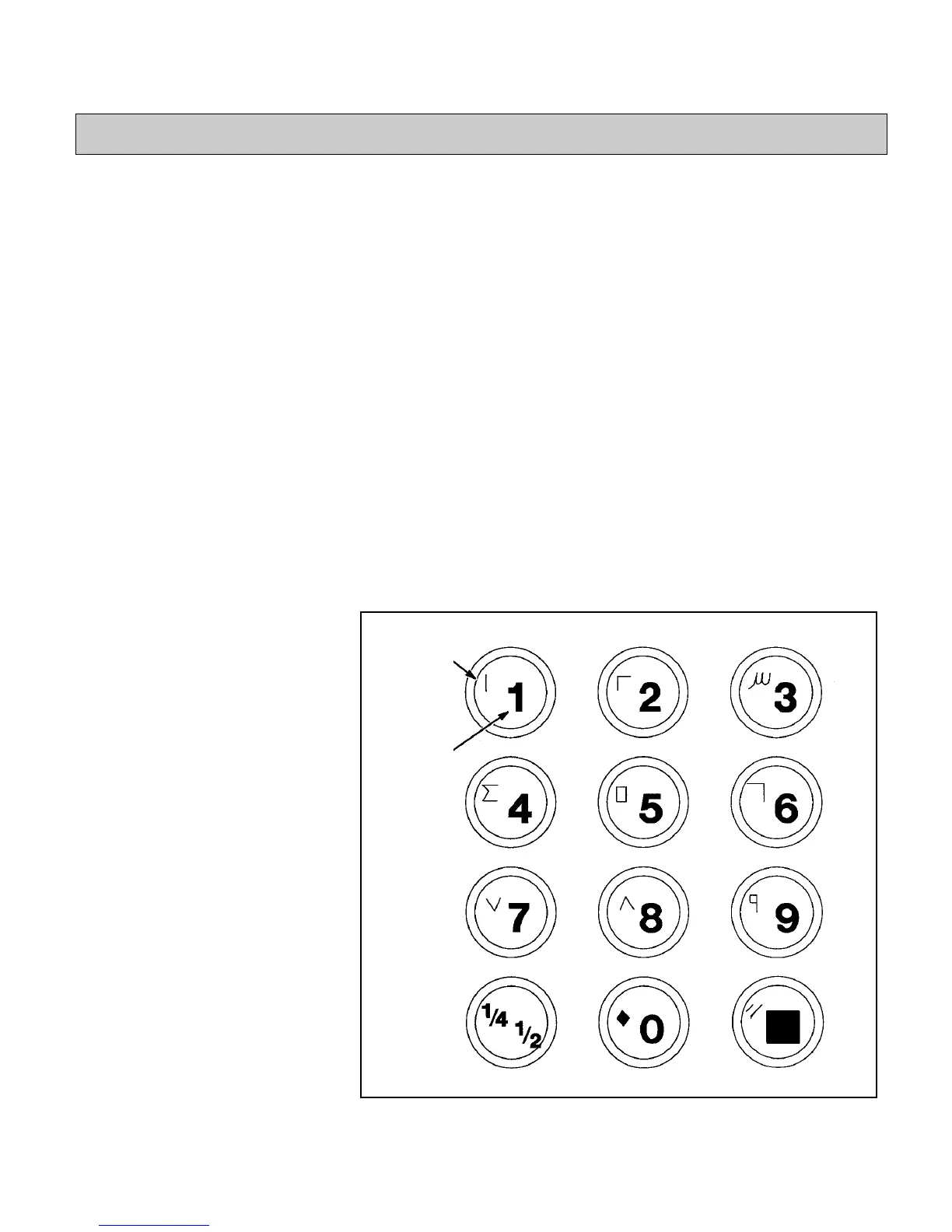
Use the numeric keypad to enter numeric characters and special
characters into the message appearing in the display screen (refer
to Figure 3-18). Those characters that appear on the numeric
keypad in red are referred to as special characters.
Creating Numeric
Characters
To enter a numeric character (number) into the message, press the
key for that character. The printer will place the number into the
message at the current location of the cursor.
Creating Special
Characters
Those characters that appear on the numeric keypad in red are
referred to as special characters. To enter a special character into
the message, press and hold the ALT SHIFT key while pressing
the key showing the desired special character. The printer will
place the special character into the message at the current location
of the cursor.
Figure 3-18. Numeric Keypad
Special
Character
Numeric
Character


 To Next Page