EXCEL 2000 Series Operator Manual
4-7
2.
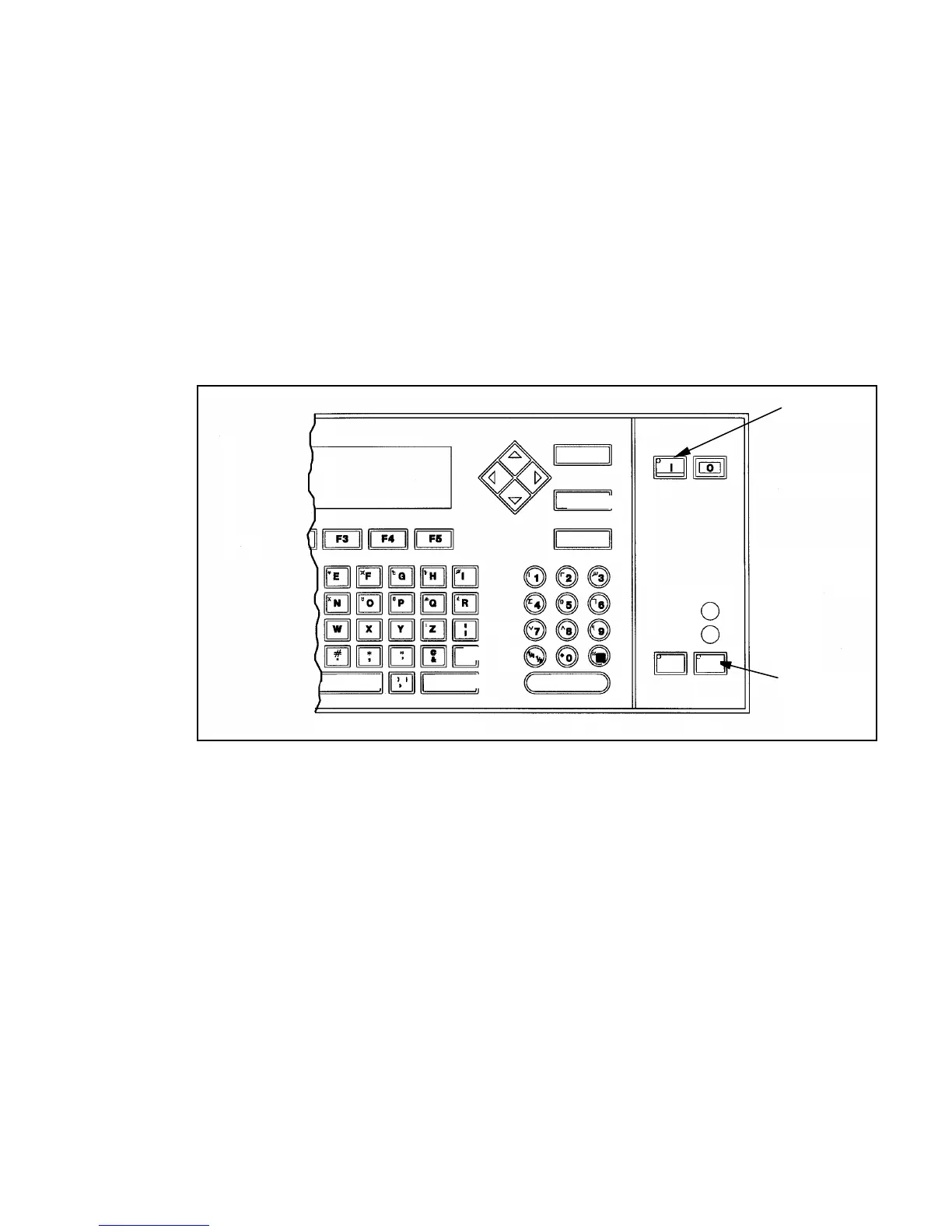
Press the ON (I) key on the keyboard to begin the 97-second
start-up sequence. Refer to Figure 4-3 for the location of the
ON key.
3.
Press the PRINT key to begin printing a message. The
message last loaded on the printer will begin printing upon
activation of the product detector.
Refer to
Chapter 6
,
Creating and Printing Messages
,
in this
manual for instructions to enter a new message or change an
existing message.
Figure 4-3. Location of ON and PRINT Keys
N
Key
RINT
Key
SPACE
HIFT
NTER
CANCEL
DELETE
ELP
READY
SERVICE
ALT
SHIFT
HEAD PRINT


 To Next Page