EXCEL 2000 Series Operator Manual
6-5
Introduction
Overview
This chapter contains all the procedures required to create, edit,
store, recall, and print messages.
If at any time you have difficulty locating a procedure or an
explanation of how to use one of the commands in the software,
refer to the
Index
in the back of this manual. All keyboard
commands are available in the index so you can quickly find a
particular procedure.
Sections in this Chapter
Turn to the first page of each section for a detailed listing of the
sections covered in this chapter.
•
Creating Messages.....................................turn to page 6-6
•
Storing Messages.....................................turn to page 6-77
•
Printing Messages....................................turn to page 6-80
Software Illustration Conventions
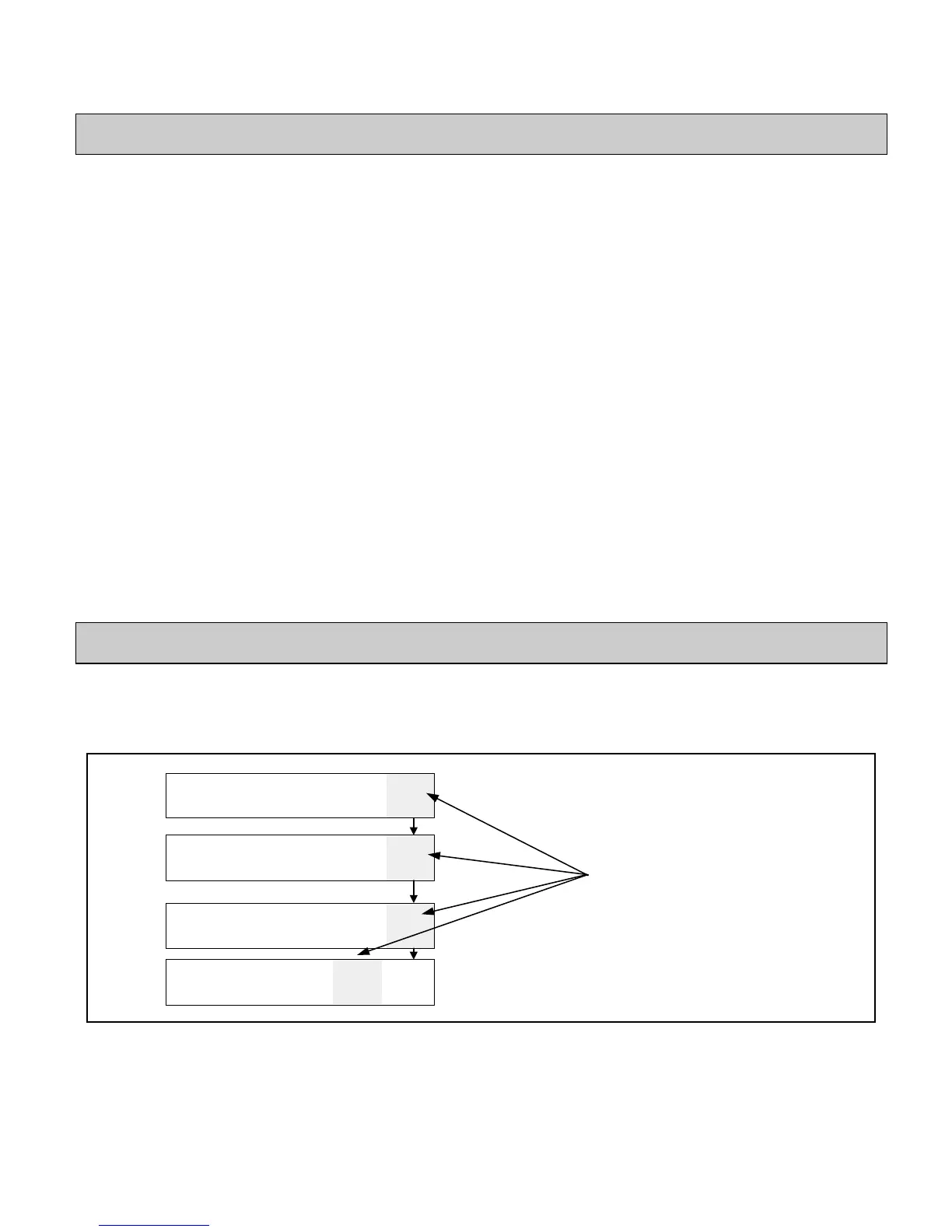
The illustration in Figure 6-1 shows how to use the software
illustrations provided for each procedure to find your way through
the software.
CLEAR
MESSAGE
IEW
PRINT
RINT
MESSAGE
01
EDIT
xxxx
PRINT
MATRIX
xxxx
CHAR.
IZE
HAR.
SET-UP
INSERTS
RECALL
MESSAGE
STORE
MESSAGE
VIEW
STORE
PRINT
MESSAGE
03
DIT
SERVICE
PRINTER
SYSTEM
SET-UP
PRINT
SET-UP
4
DIT
02
EDIT
Figure 6-1. Software Illustration Example
**xxxx - indicates differing values depending on your type of
printer.
he gray box indicates the
ppropriate
F
key to press to
hange from frame to frame
or a specific procedure.


 To Next Page