VP220D & VP220-3 Installation Guide | 10
430880-101
(Rev. 10/21) Copyright 2021 VideoProtects Incorporated. All rights reserved.
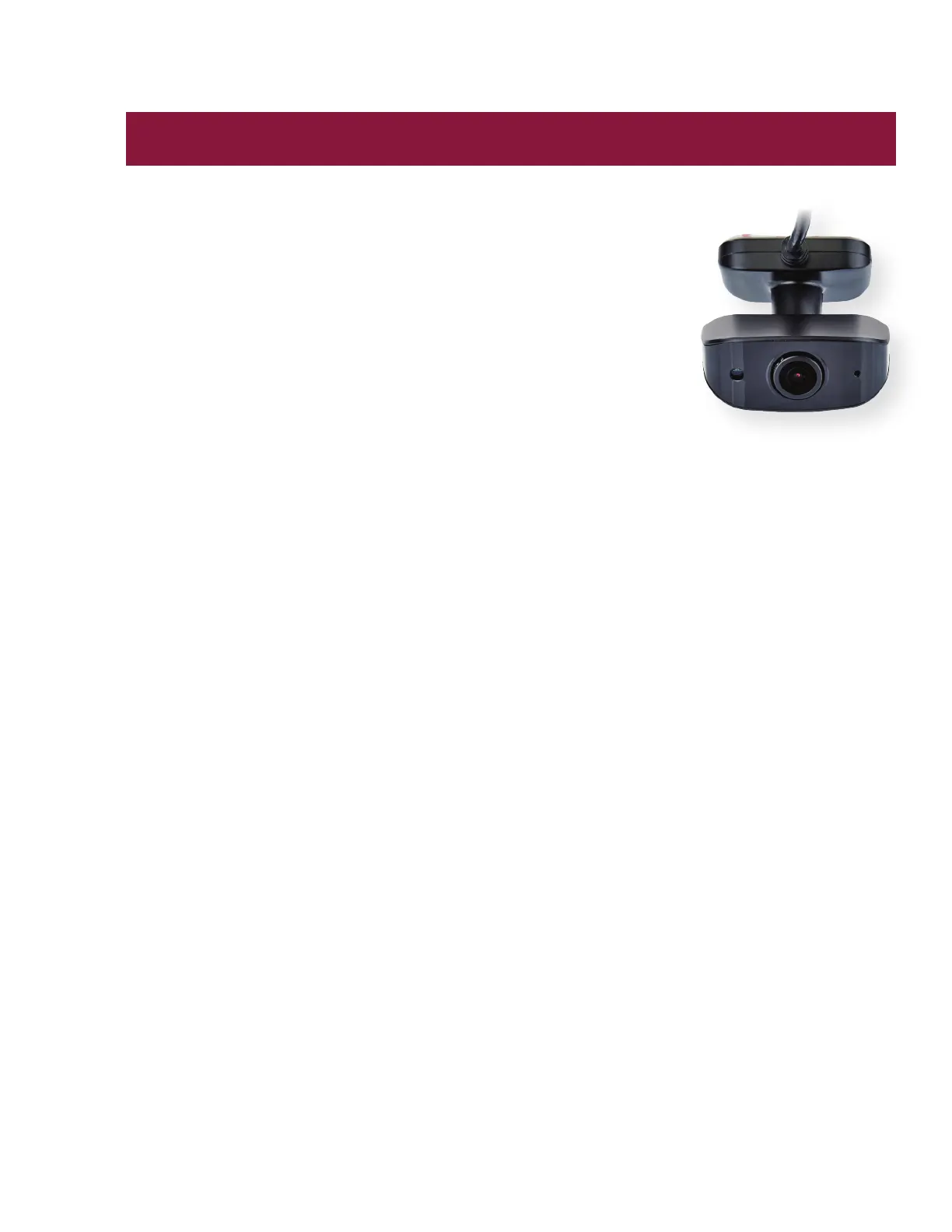
1) Install the camera so it has clear view of the cargo
area - remove the protective VHB plastic and affix
firmly in place
2) Connect the camera cord to the Video Cable
(sold separately)
3) Connect the Video Cable to the main camera
4) Fix cables with zip ties and mounting brackets
or stow out of sight in headliner and behind trim
as needed
VP220-3 Quick Installation Guide
NOTE: This camera is optional and is not included with core VP220D camera.
Usage requires Video ProPlus features.
VP220-3 Cargo/Utility Camera Installation



 To Previous Page