VP220D & VP220-3 Installation Guide | 8
430880-101
(Rev. 10/21) Copyright 2021 VideoProtects Incorporated. All rights reserved.
Step 5 – Secure cables
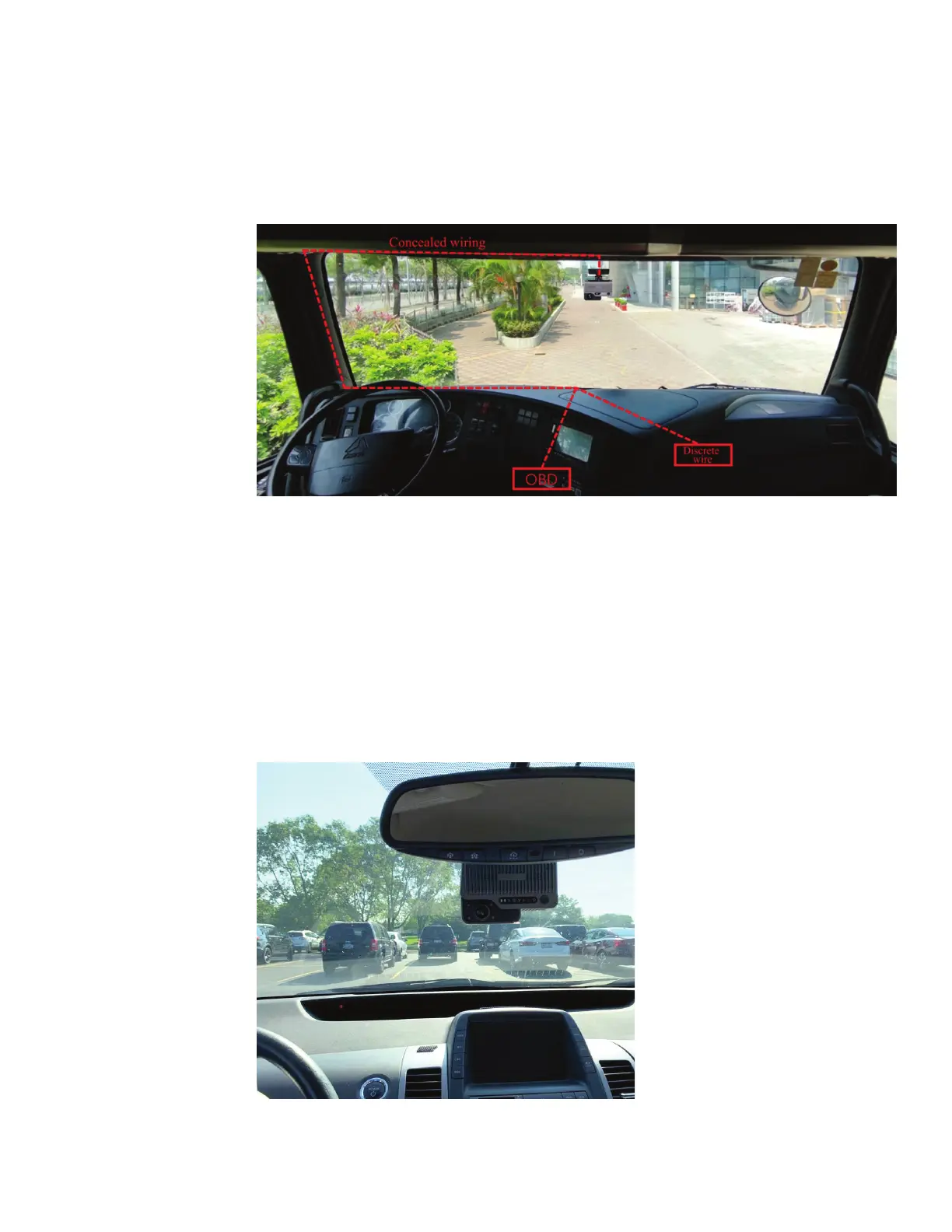
Secure all cables by routing them under the headliner and behind the trim panels or with zip
ties and mounting blocks. Securely fasten any cables under the dash up and out of the way
of the operator.
Step 6 – Power on camera and validate operation
1) Ensure that all power cables are connected and that the GO device is installed per
GeoTab’s instructions (see GeoTab for GO device installation steps).
2) Turn on the vehicle ignition to power up the camera.
3) Wait for at least 2 minutes and verify that the status bar on the camera indicates
proper function of the camera (the first icon, Power, is solid green).
NOTE: The four (4) infrared lights surrounding the driver facing camera may also be visible
depending on the ambient light conditions inside the vehicle.



 To Next Page